
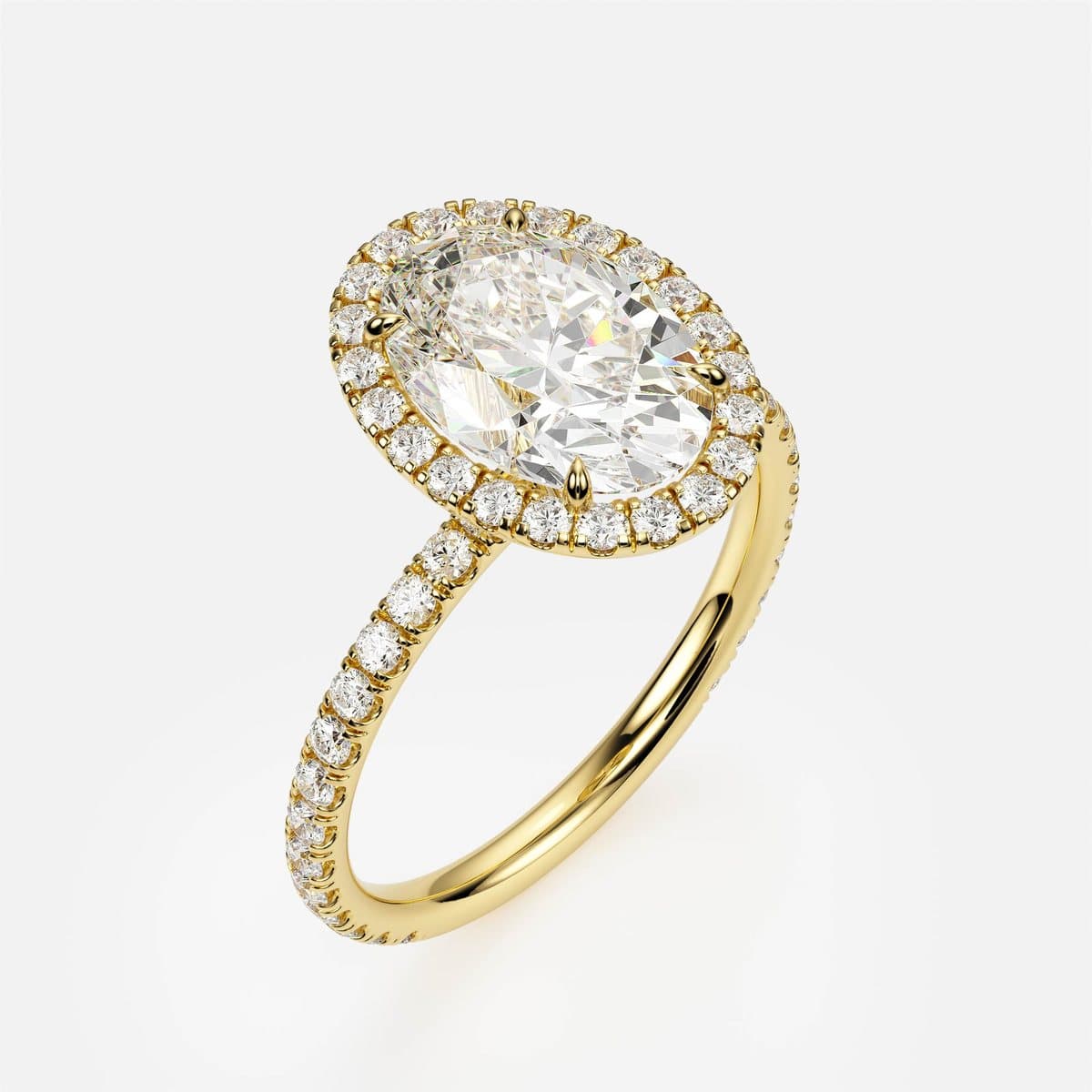
nanea is a fine-jewelry brand from Yerevan, selling engagement rings, wedding bands and bracelets online in Armenian, Russian and English. Their idea was simple and unforgiving: a client chooses the metal, the centre cut and the carat weight, and the page shows that exact ring — not a generic stock image, not a colour-tinted photo of something else, not a grey placeholder for the combinations nobody photographed. That only works if every combination exists as a model and as a render. 4rend Studio built the CAD models and the complete photoreal render library behind the launch collection: 33 designs, 1,692 images, three golds, up to ten centre cuts and four camera angles each. This is what the work looked like, and why it was done the way it was.
The brief: a configurator where every answer is a real image
On nanea.am a client configures engagement rings, wedding bands and bracelets piece by piece. Most online configurators cheat in one of two ways. Either they photograph a handful of hero pieces and recolour them for the other metals, or they show a beautiful image for the default combination and a flat diagram for everything else. Both are visible to a buyer within a few clicks, and both quietly tell them that the ring they are configuring has never actually been made.
nanea wanted the opposite: whatever the client picks, the photograph should be of that ring. Yellow, white or rose gold. Oval, pear, emerald, marquise, princess, cushion — whichever cuts the design offers. Three-quarter, front, side and top. It is a demanding brief, and it turns a jewelry collection into a production job: hundreds of images that must all look as if they came from one studio on one afternoon.
What we delivered
The launch collection, in numbers:
- CAD models for every design and every centre cut it is offered in — a pear is a different seat, not a resized oval.
- A render for every combination of metal, cut and angle the site can show, named so the site can find it without a lookup table.
- One lighting and camera setup for the whole collection, so a band and a bracelet sit side by side on the page without looking like they came from different shoots.
| Line | Designs | What a client can change |
|---|---|---|
| Engagement rings | 12 | Metal, centre cut, carat, ring size |
| Wedding bands | 18 | Metal, stone shape where the band carries stones, ring size |
| Bracelets | 3 | Metal, length |
| Total | 33 designs | 1,692 photoreal renders across three golds and four angles |
The engagement rings
Twelve engagement rings, from a plain four-claw solitaire to pavé halos and hidden-halo settings that only reveal themselves from the side. Each was modelled once per centre cut and rendered in all three golds.
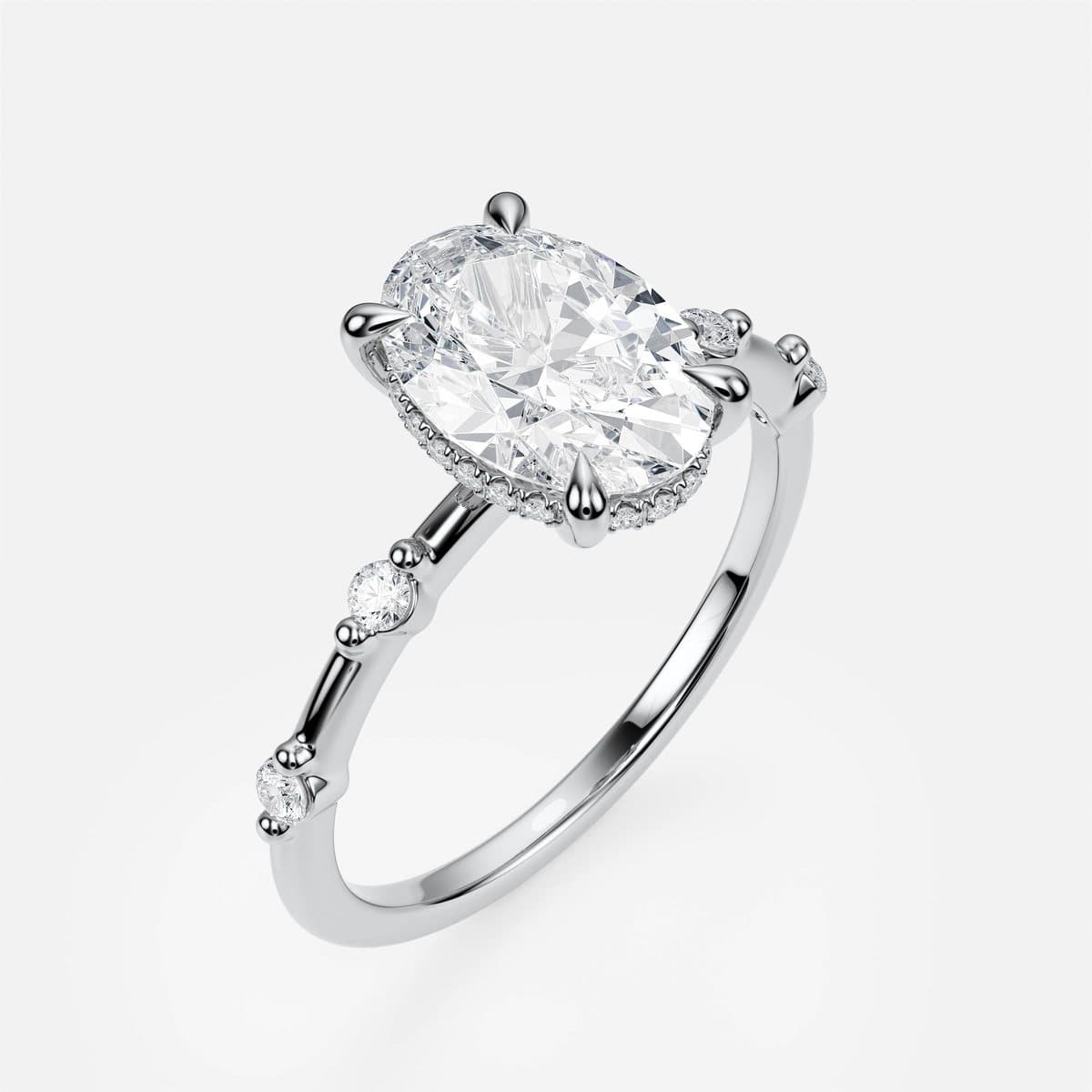
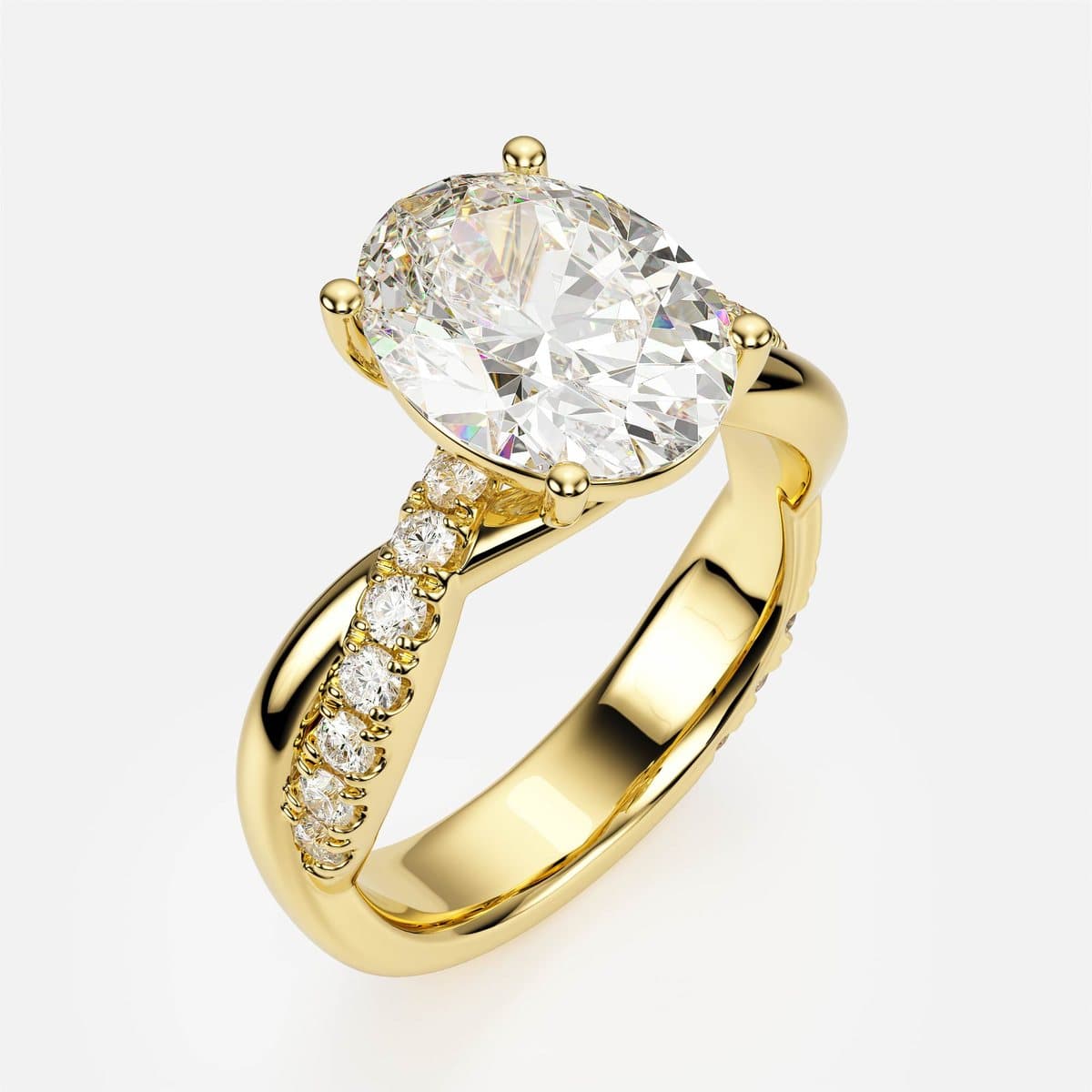
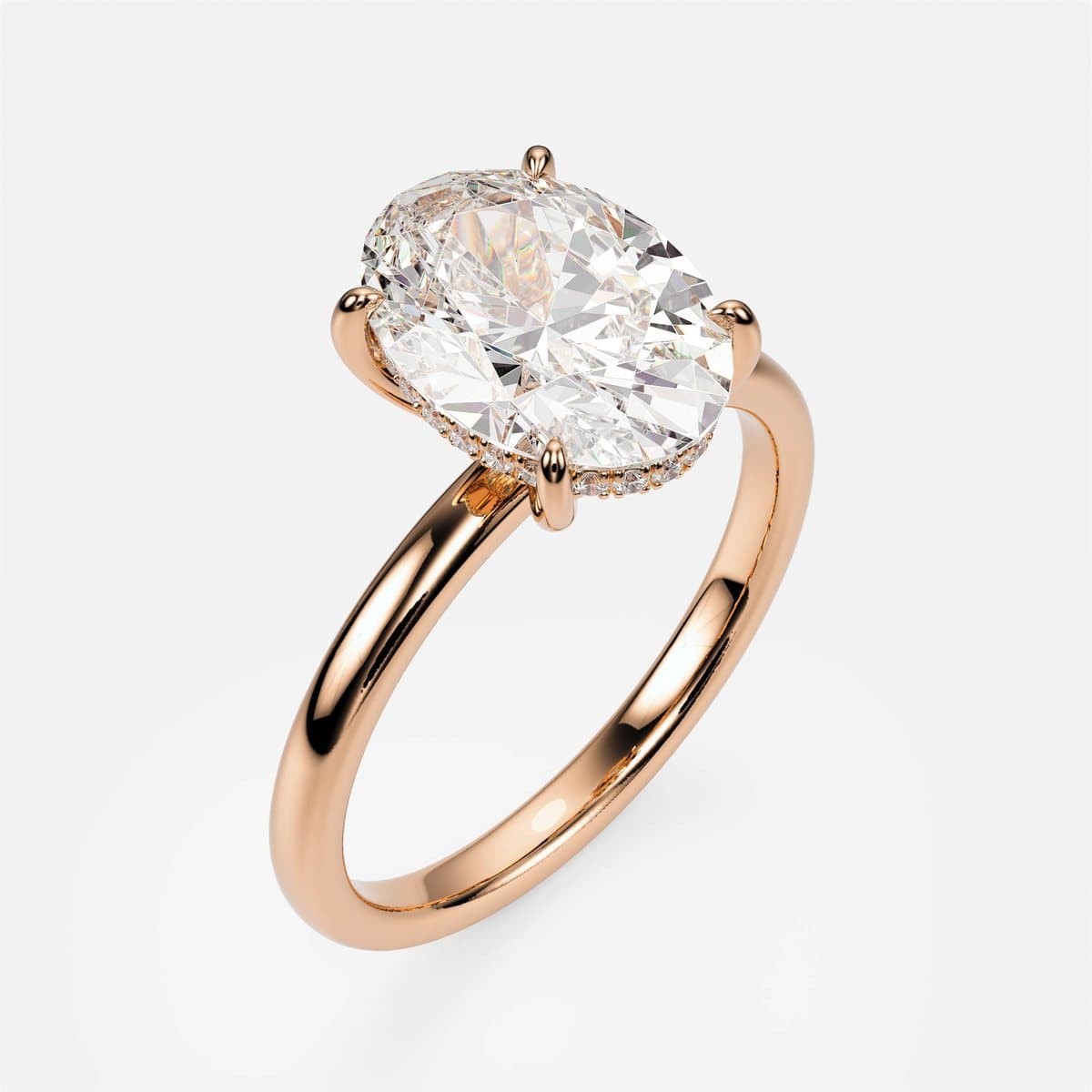
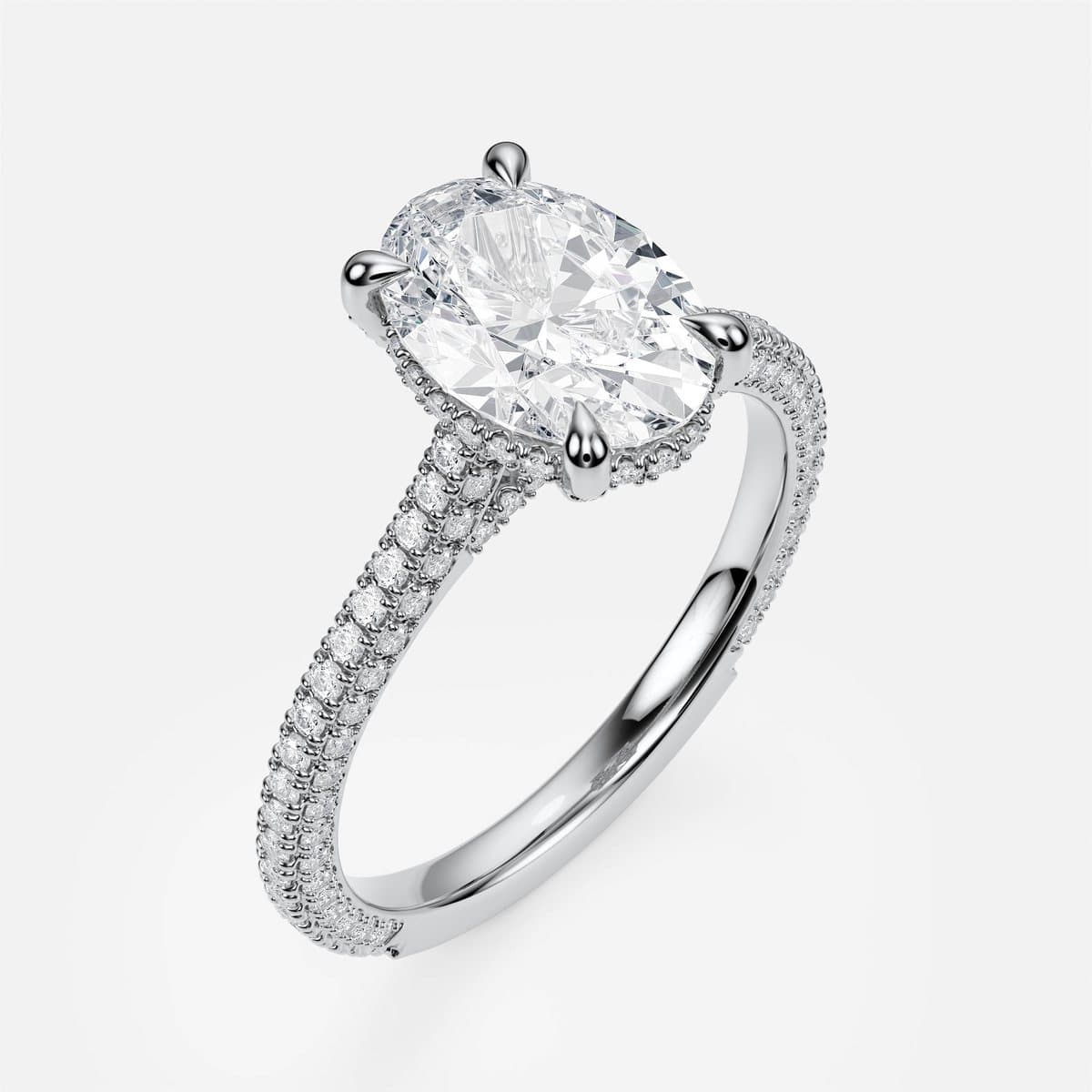
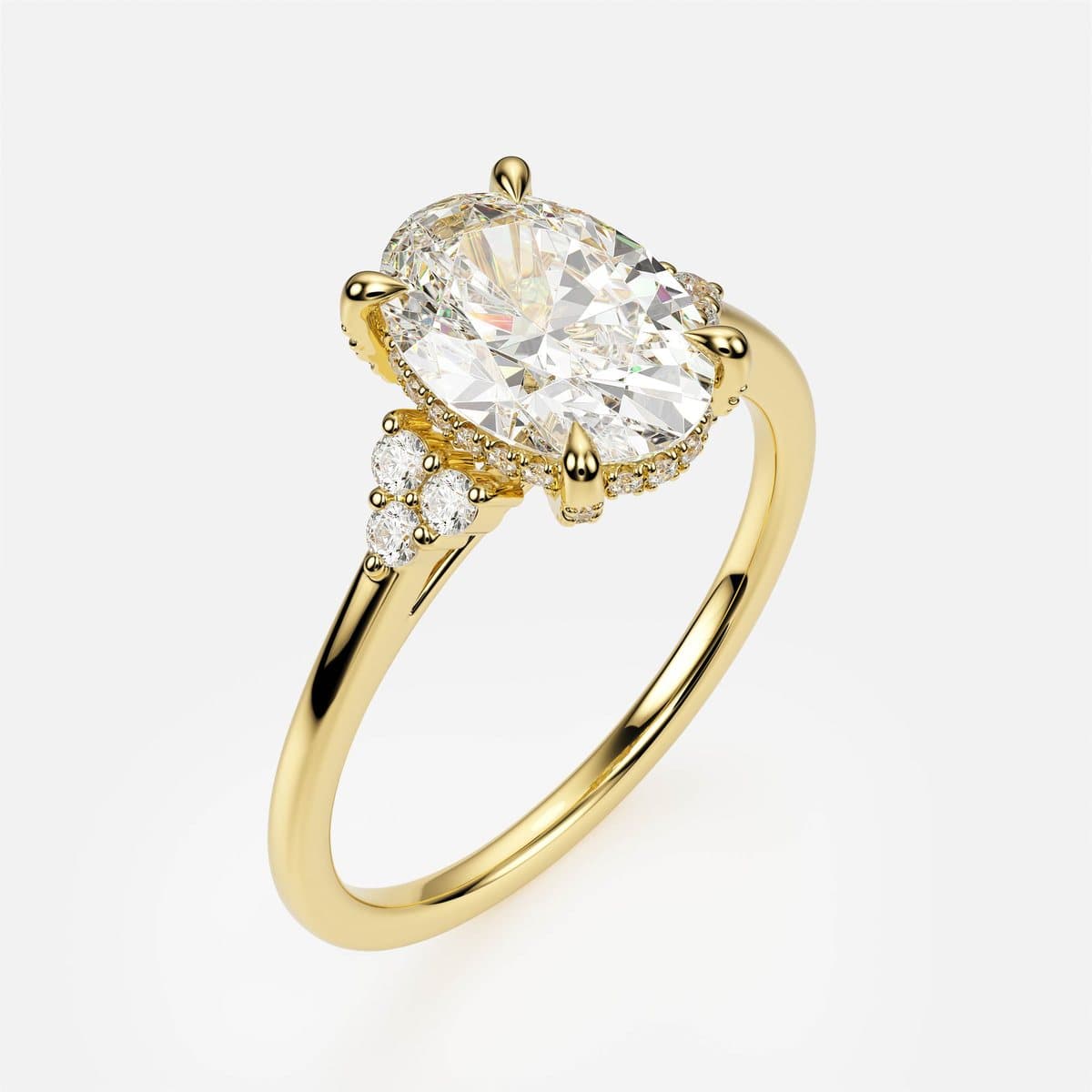
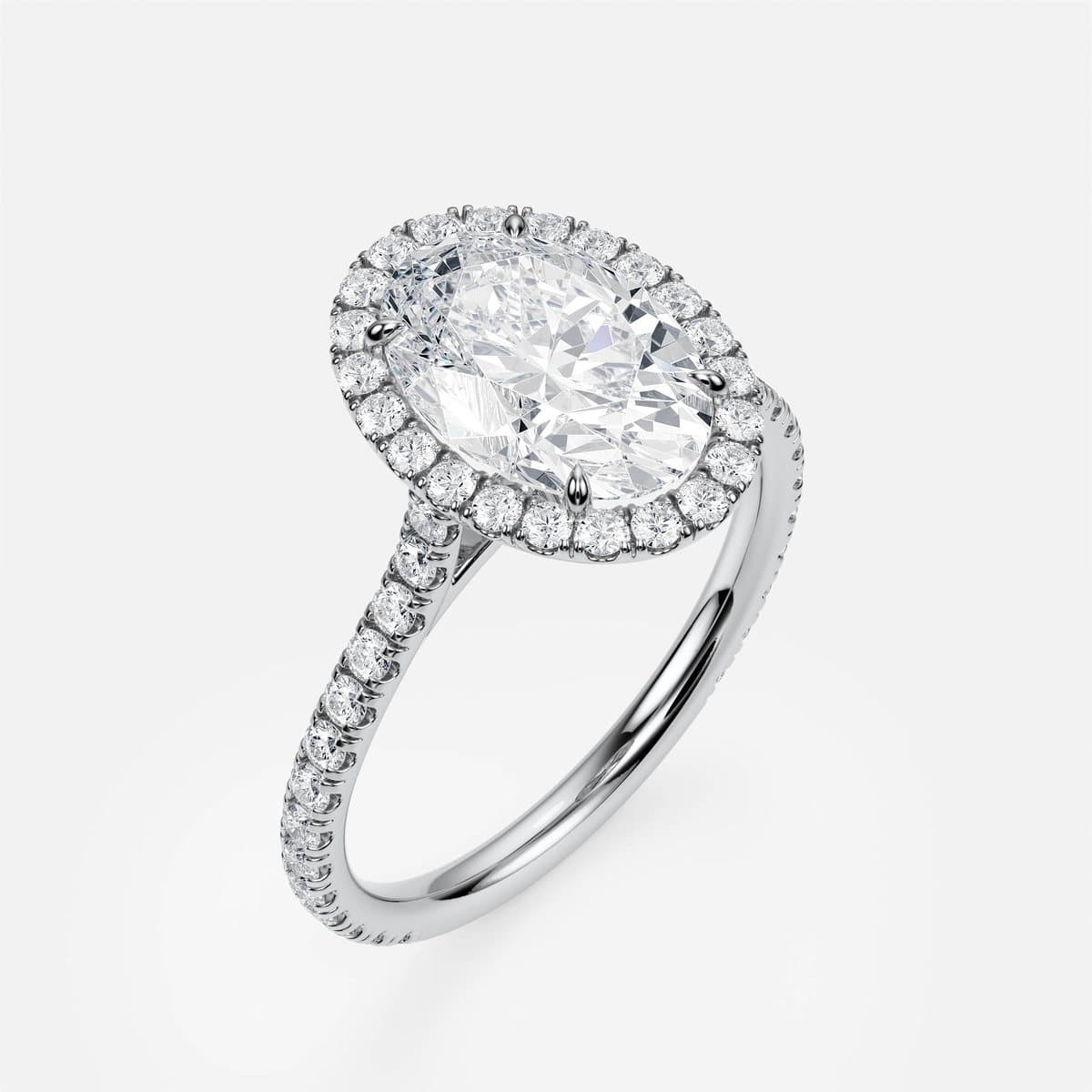
One setting, every cut — modelled, not stretched
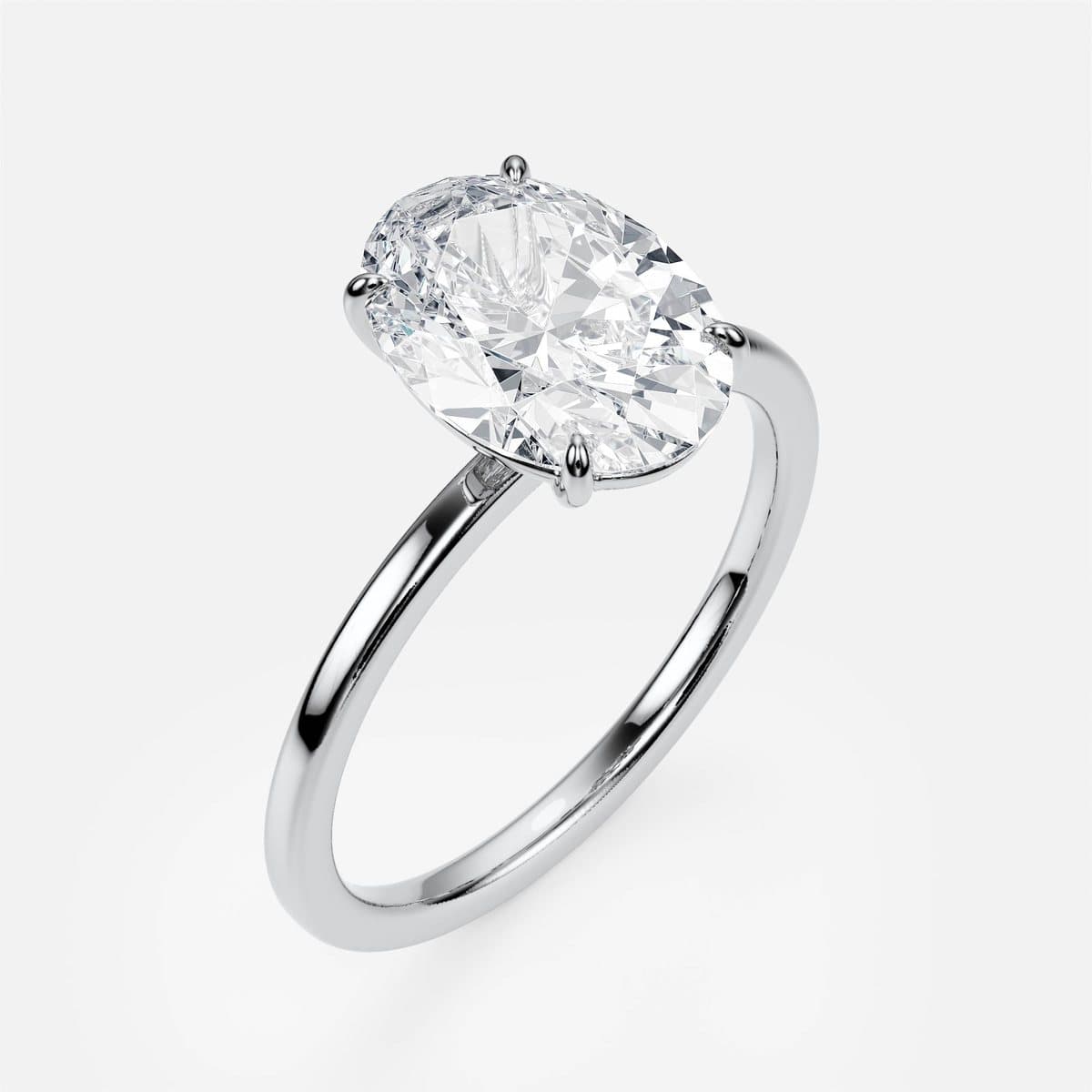
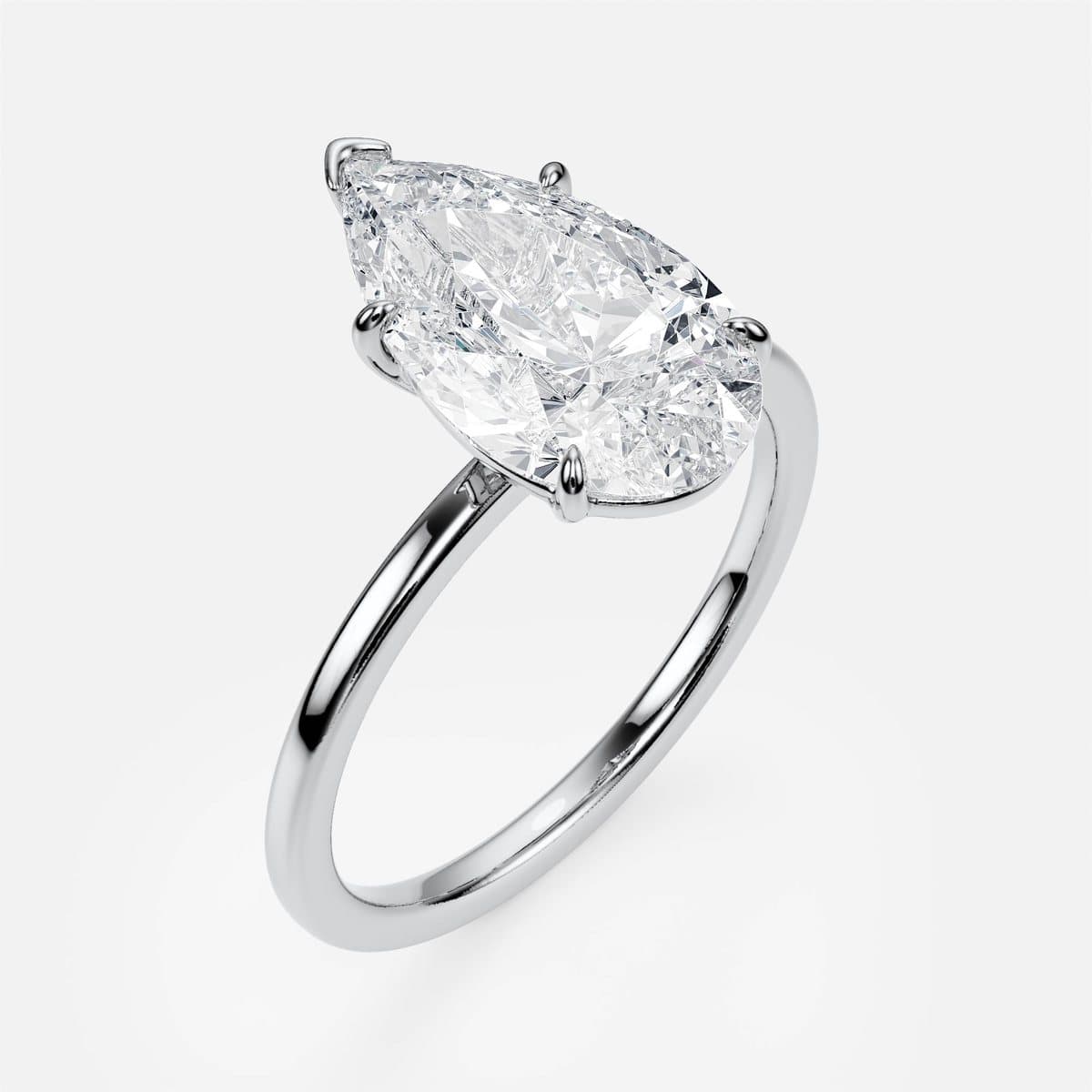
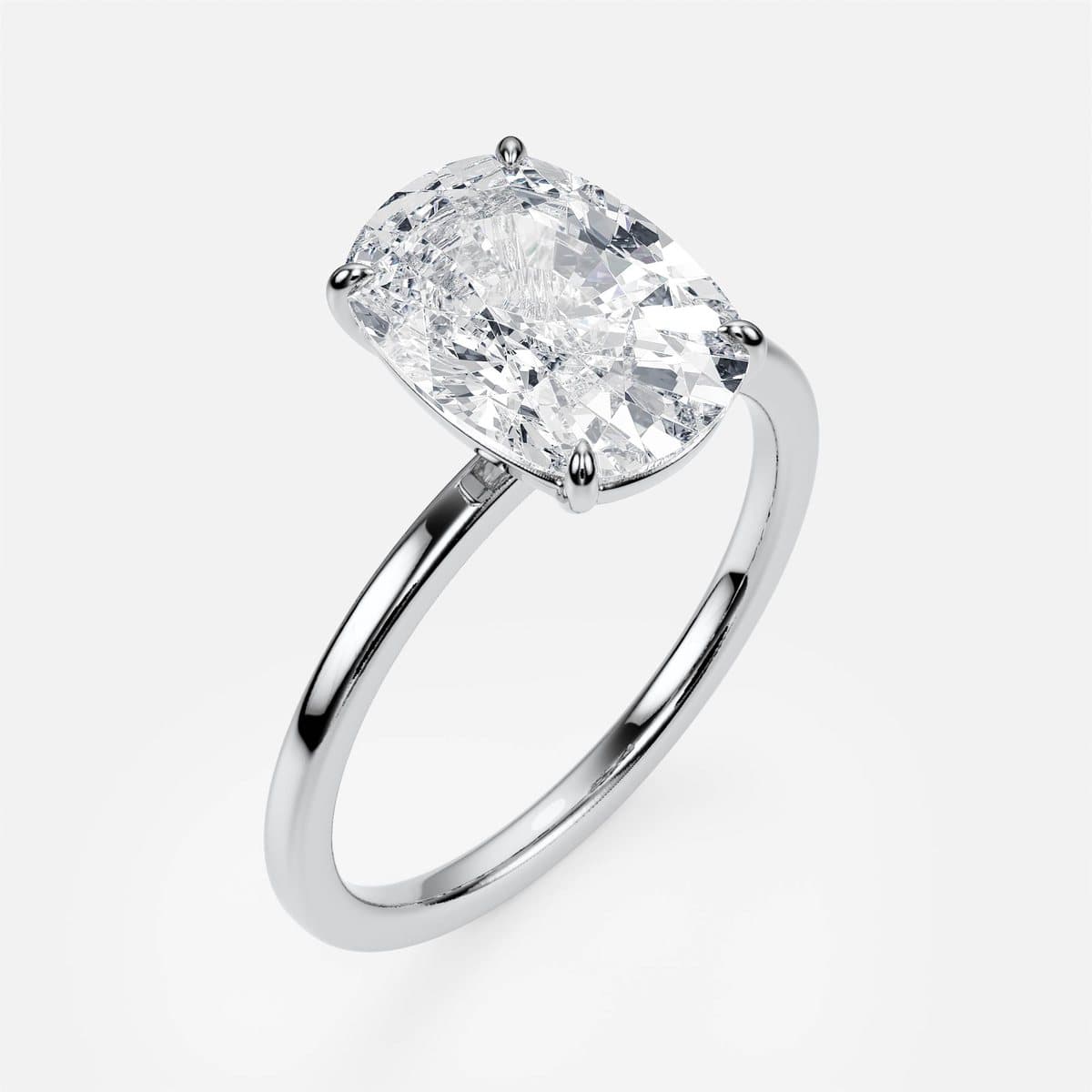
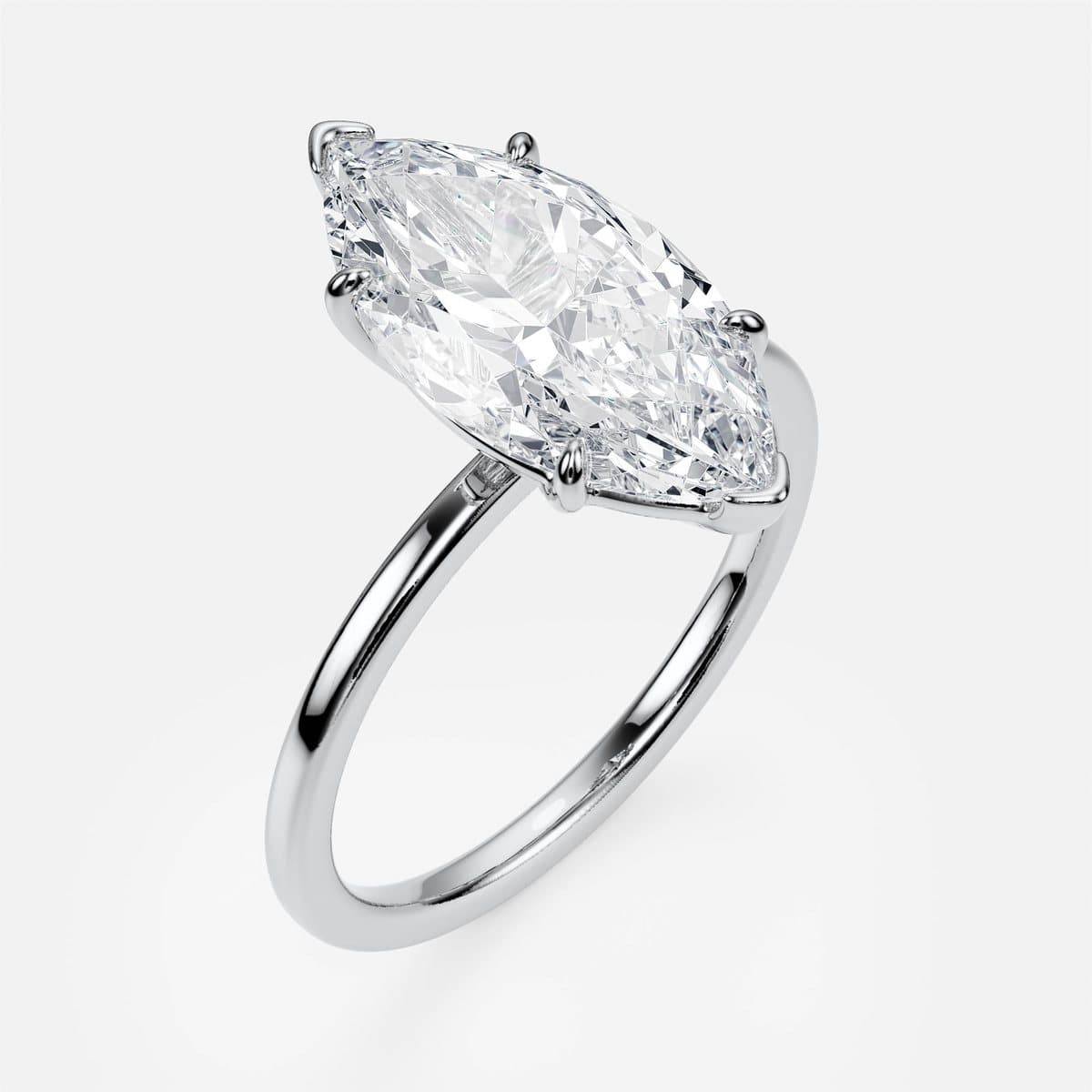
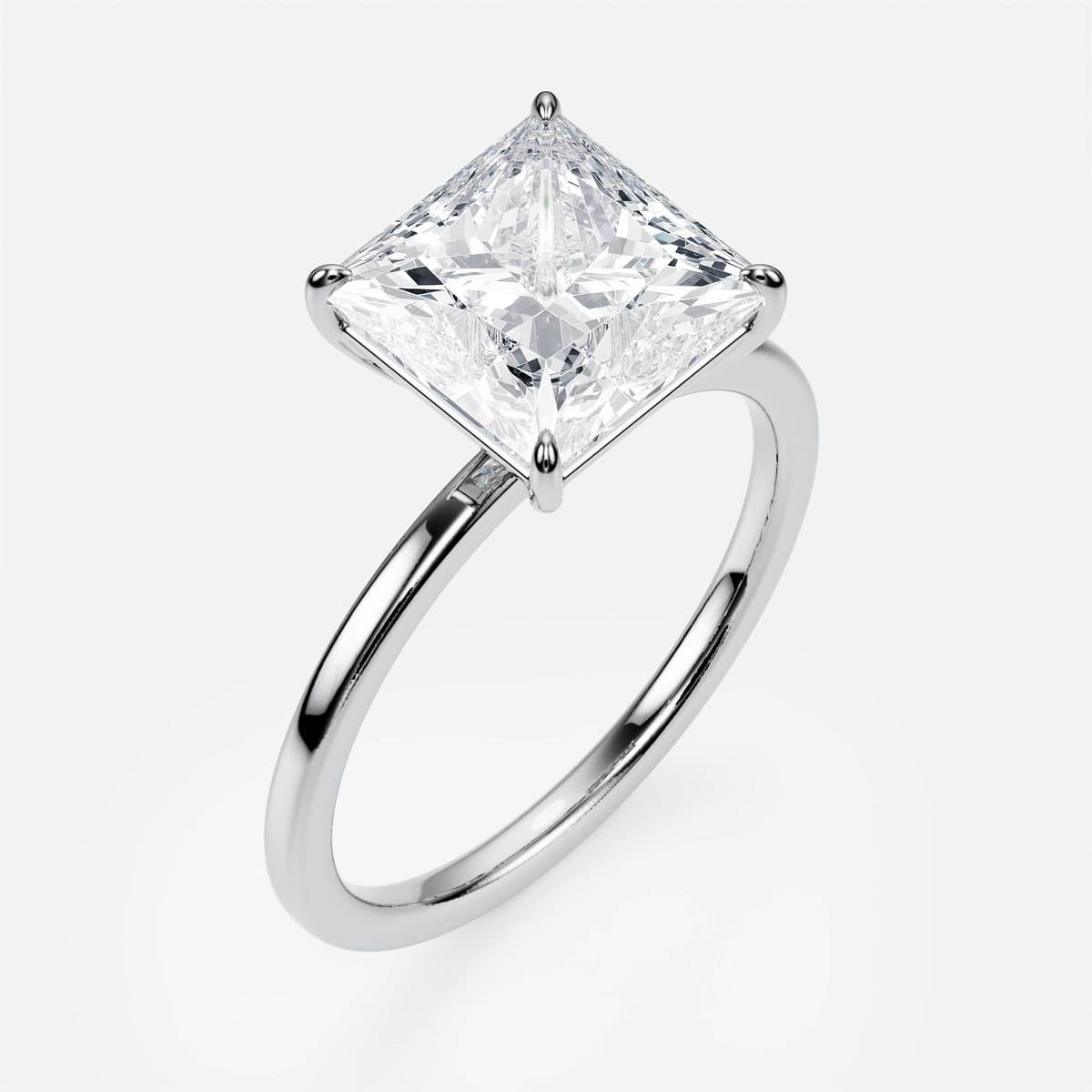
The quickest way to fake a cut selector is to take one model and scale the stone. It fails immediately: a pear needs its point protected, an emerald needs corner claws, a marquise needs both tips covered, a princess has corners that chip. Each cut changes the seat, the claw positions and sometimes the gallery underneath.
So every cut is its own model. The camera does not move between them, which is what lets the site cross-fade from one stone to the next with the band holding perfectly still — the setting is identical, only the stone and its seat change. Pure Line, the collection's plain solitaire, shows it best:
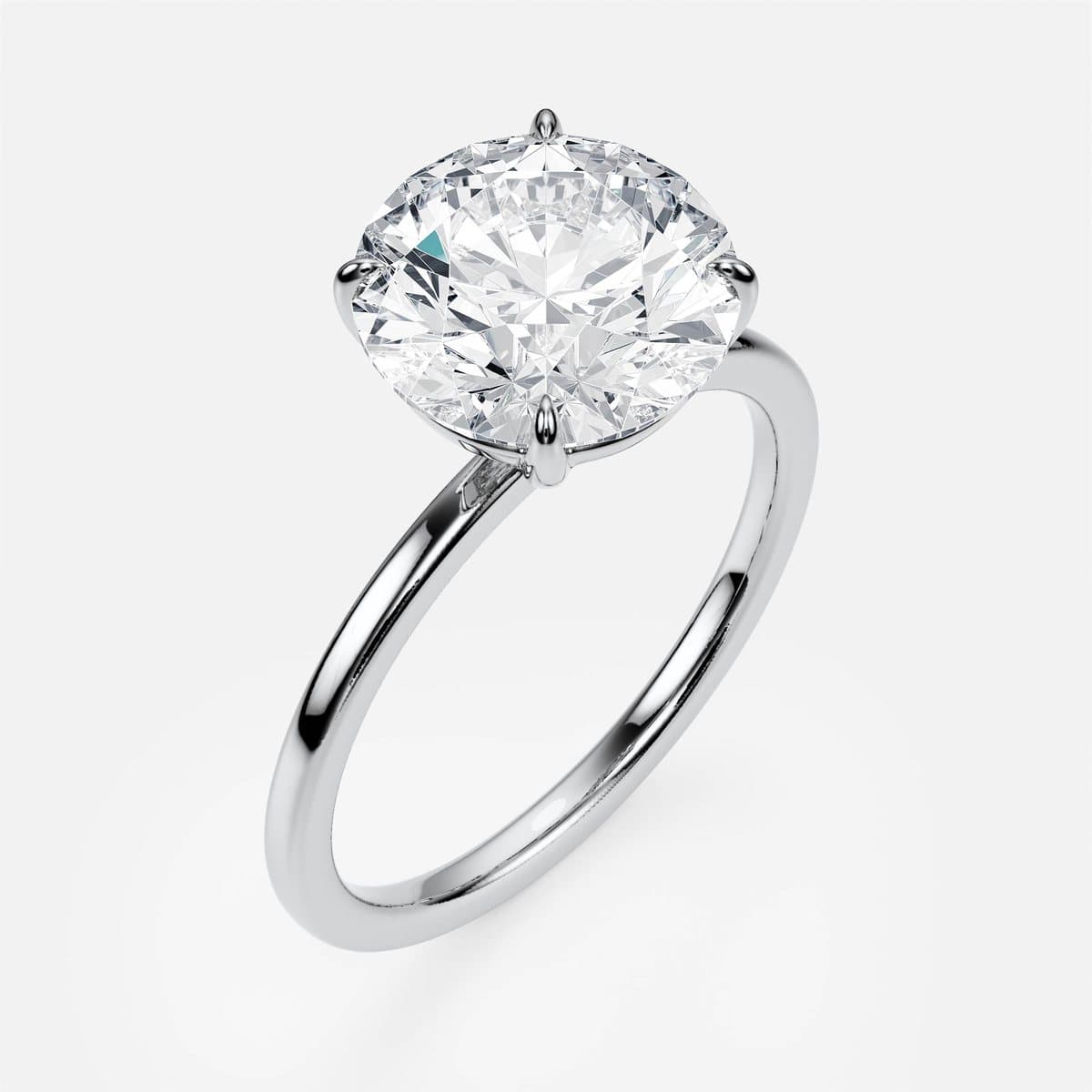
Three golds from one file
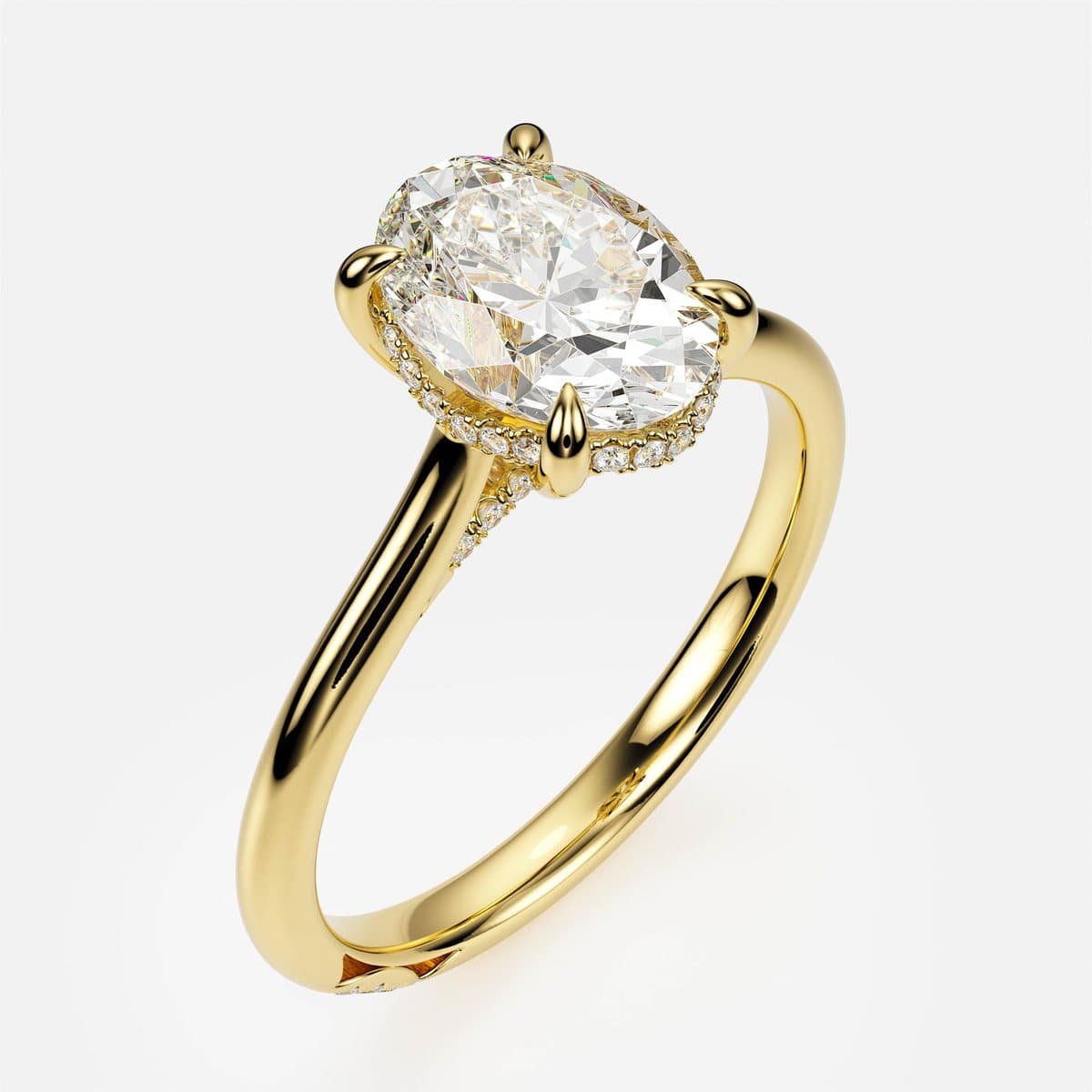
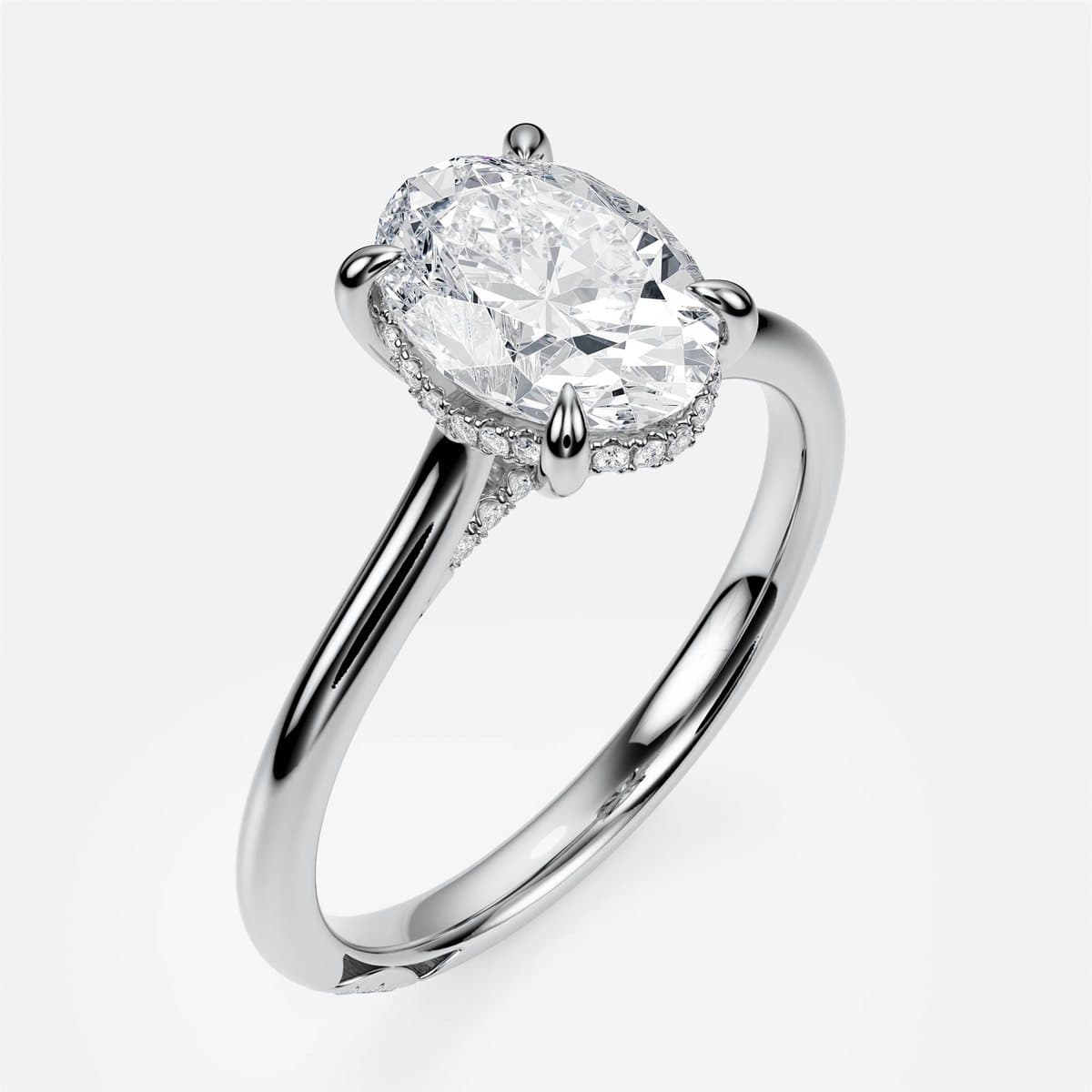
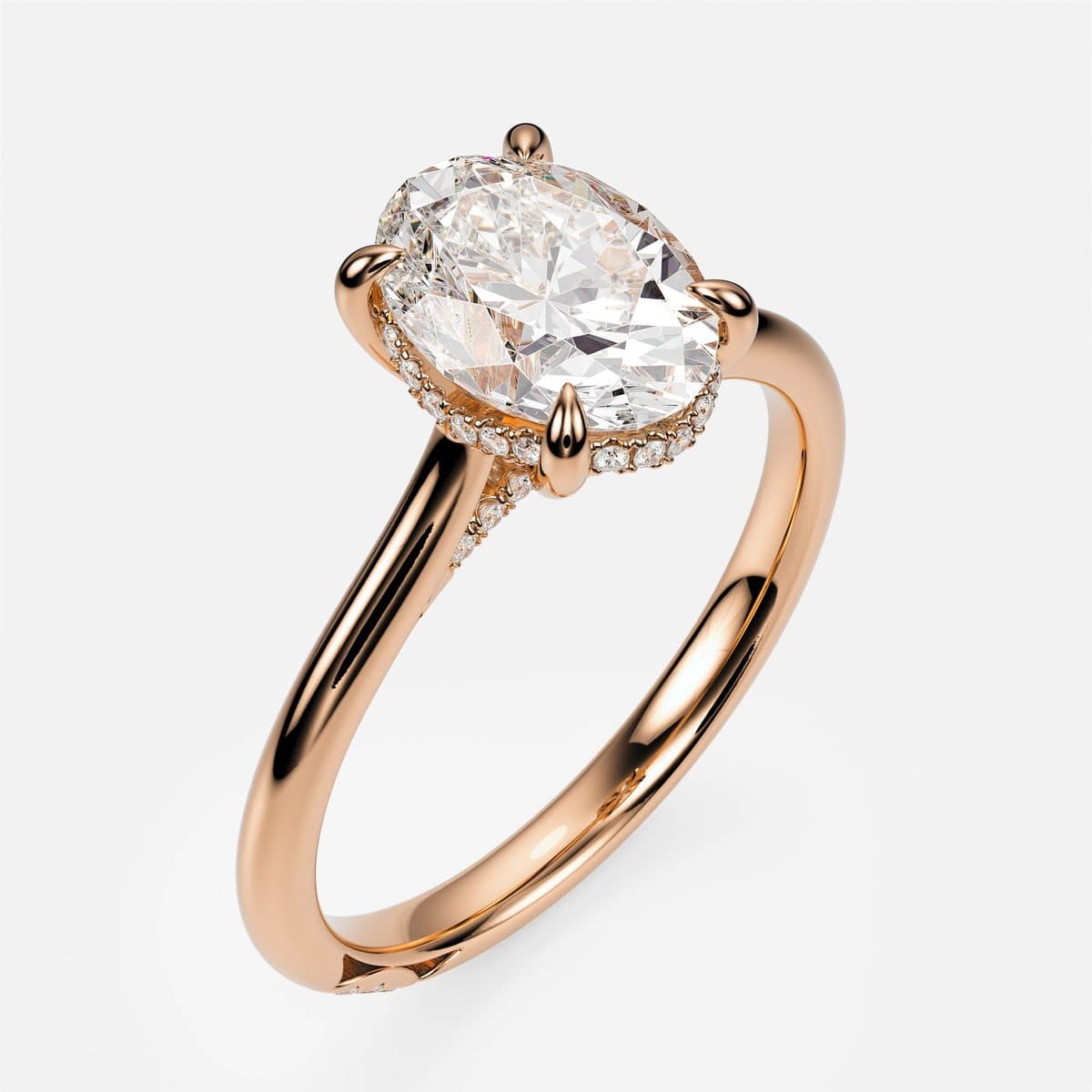
Metal is the one choice that is genuinely a rendering problem rather than a modelling one: the same geometry, three materials. The difficulty is consistency. Yellow gold that looks warm next to a rose gold that looks orange, or a white gold that reads as grey steel, makes a collection look cheap even when each image is fine on its own. The three materials were tuned against each other once and then locked for every design in the collection.
Four angles, because each one answers a different question
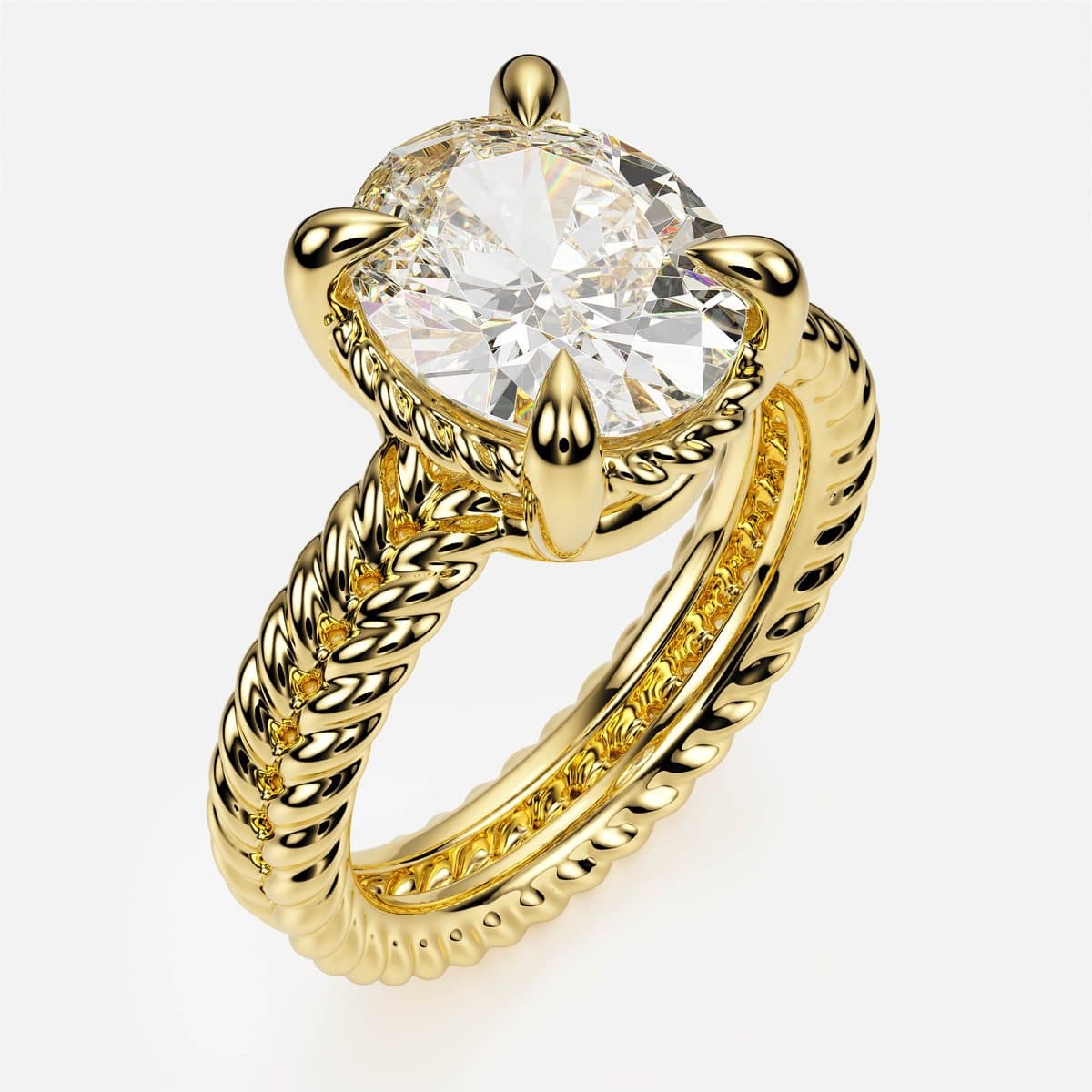
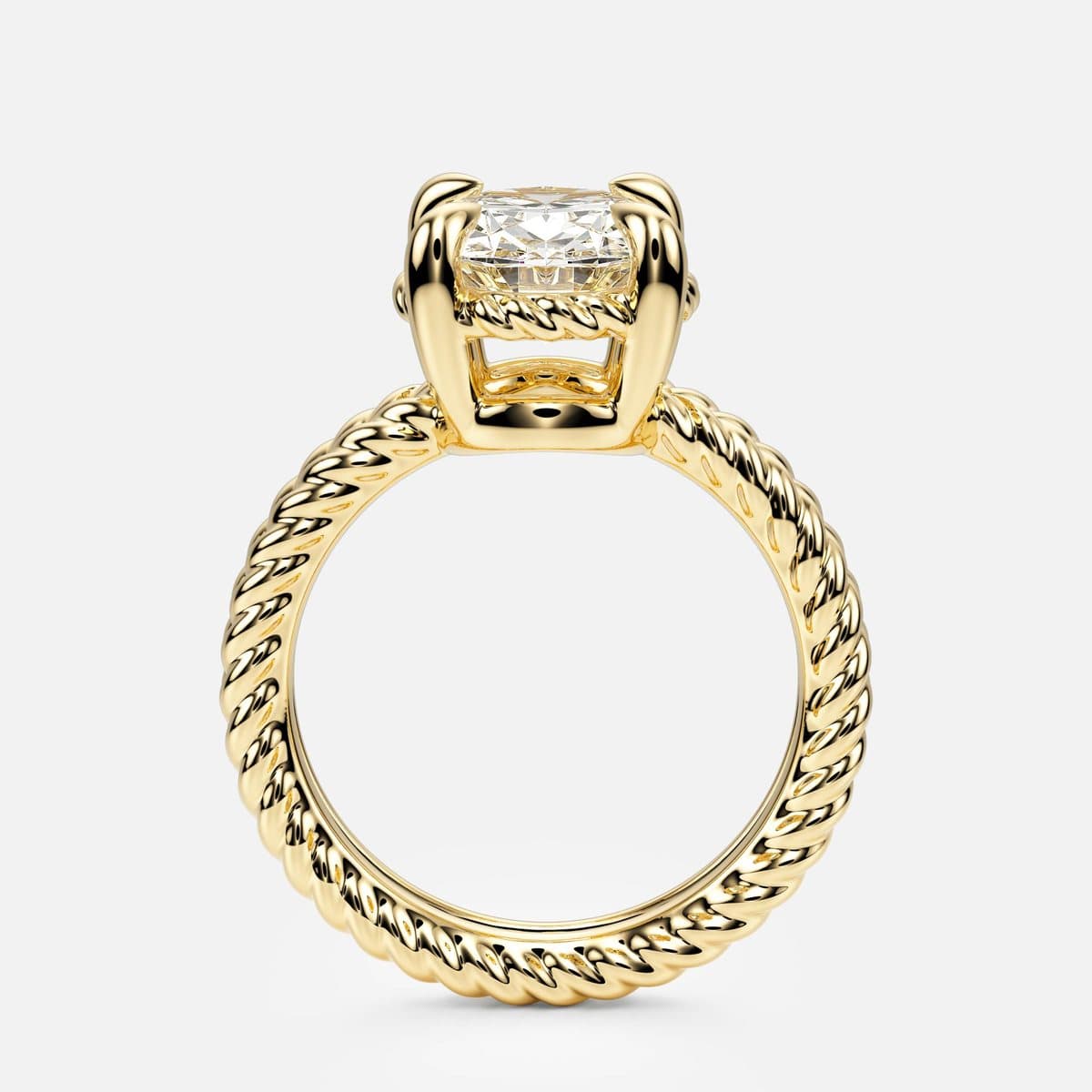
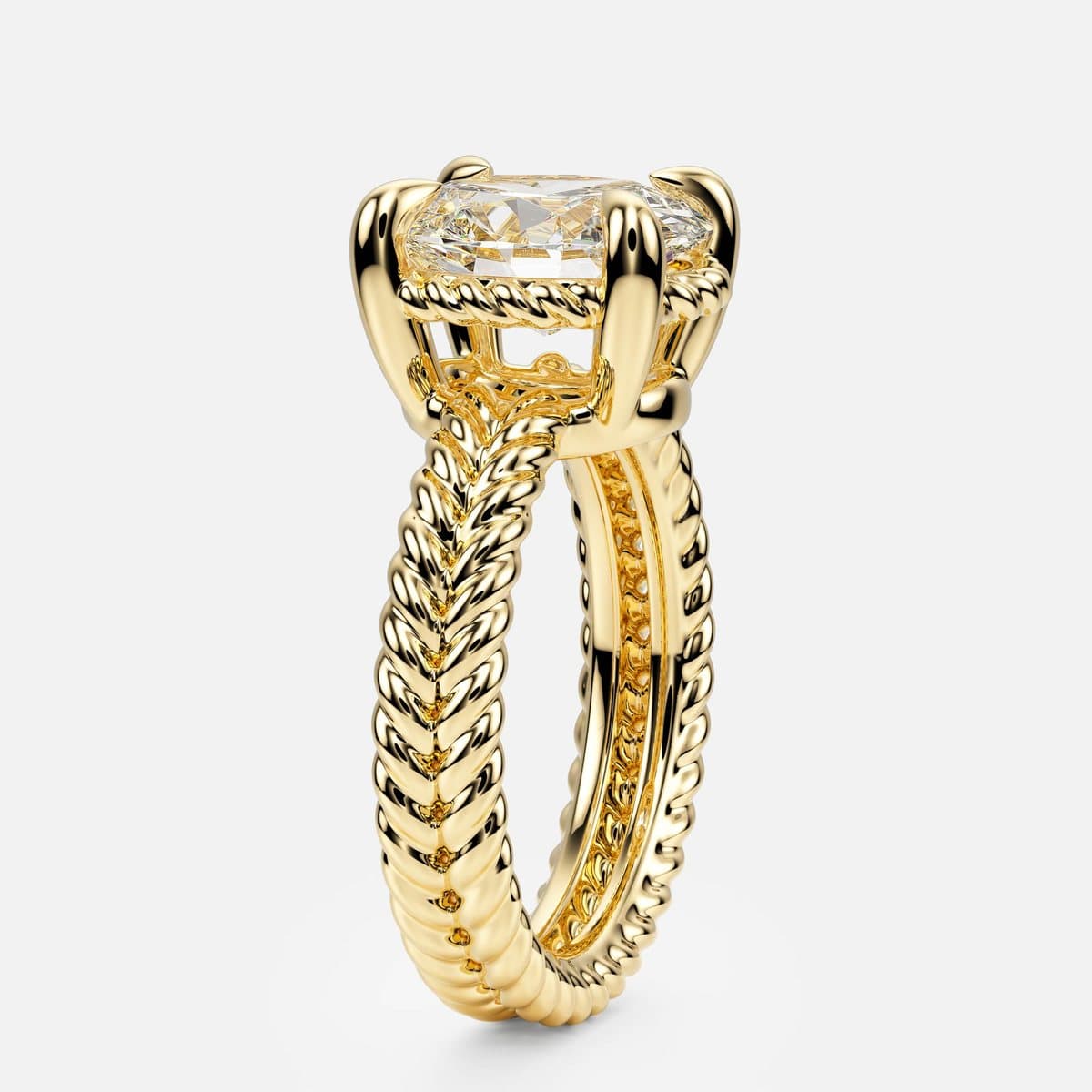
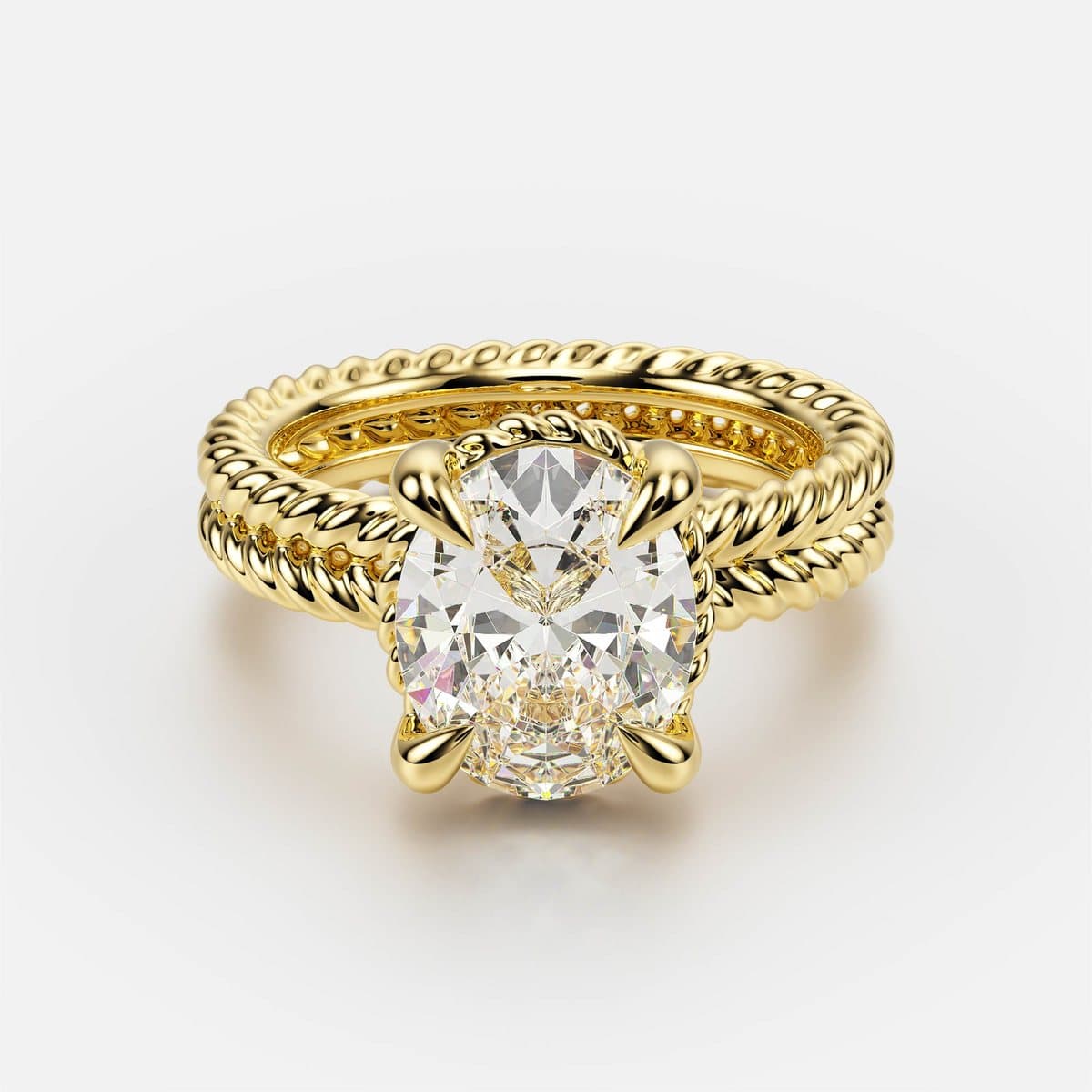
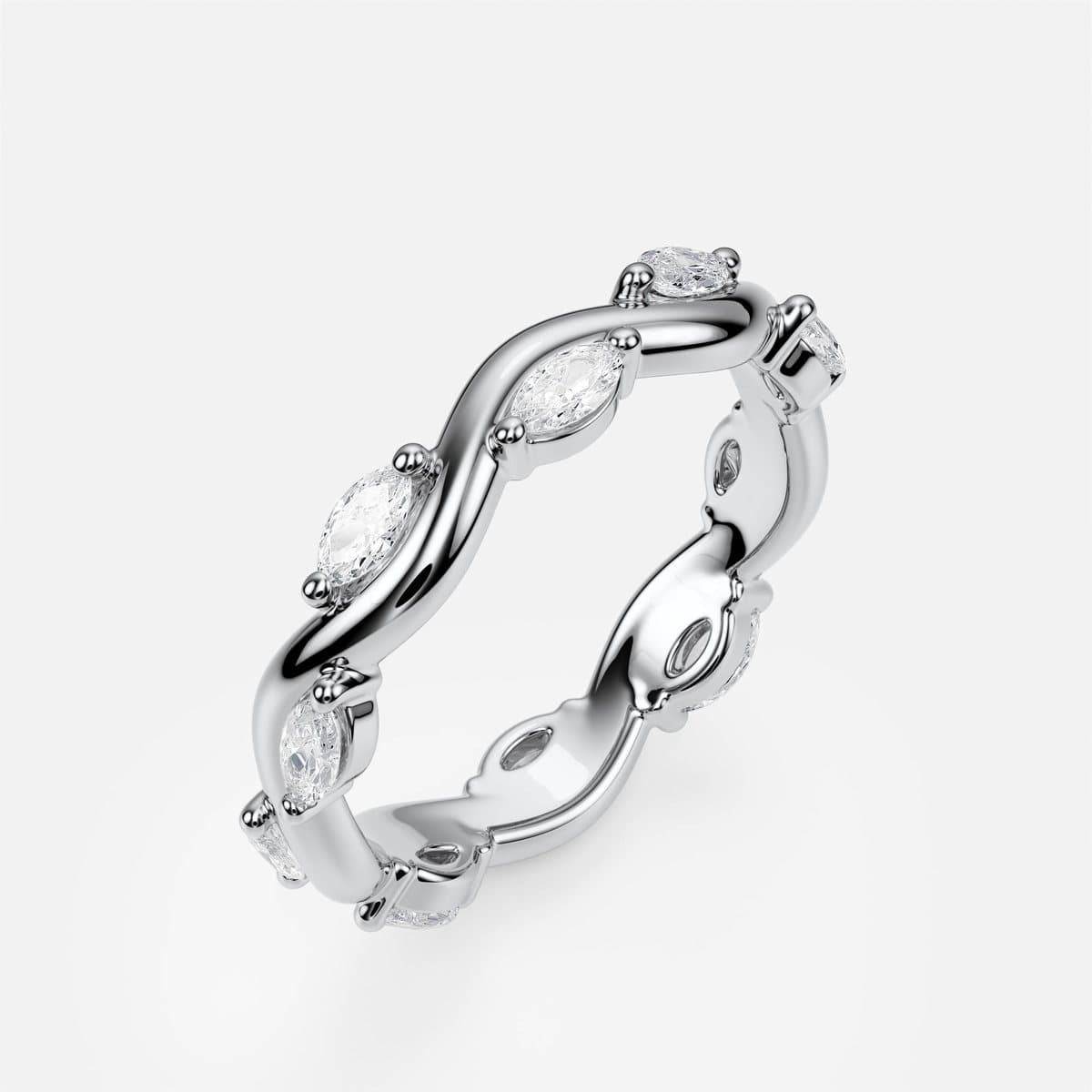
A buyer looks at a ring from four directions before they trust it, and each angle answers something the others cannot. The three-quarter sells it. The front shows how the head rises from the band. The side shows how high the stone sits — which decides whether it catches on sleeves — and reveals hidden halos and galleries. The top proves the stone shape and the claw layout. Twin Rope, two twisted ropes with a row of gold beads between them, shows why all four matter:
The wedding bands
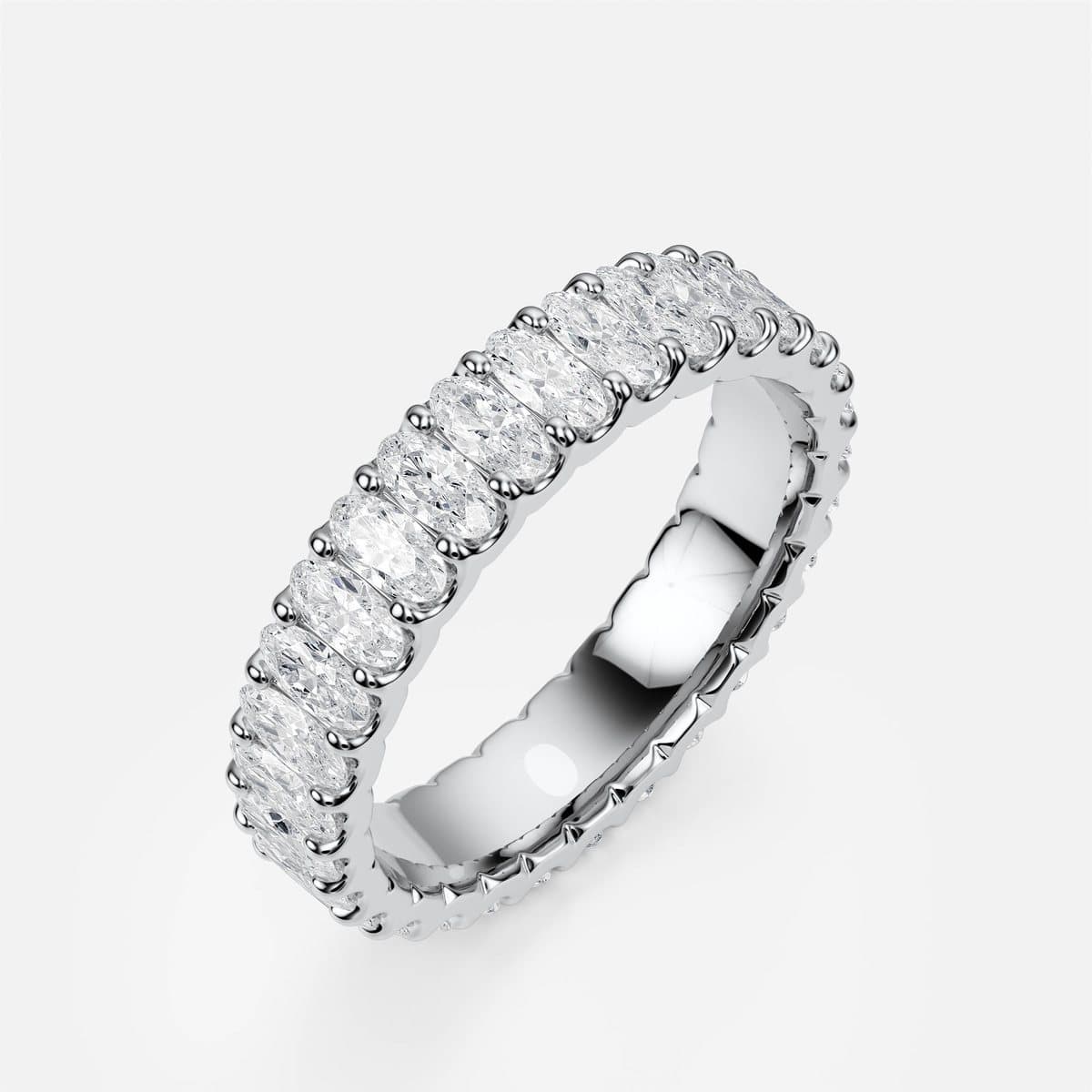
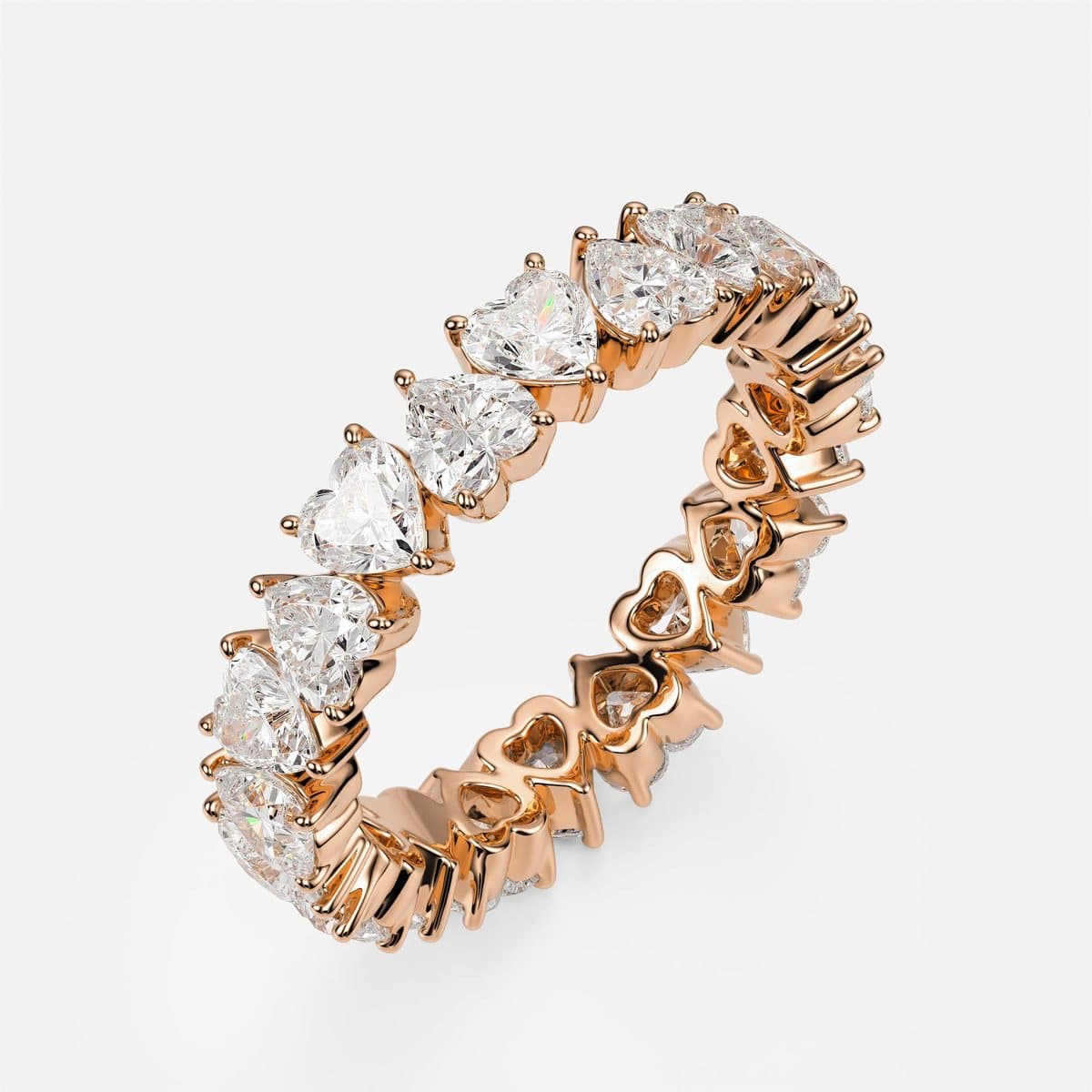
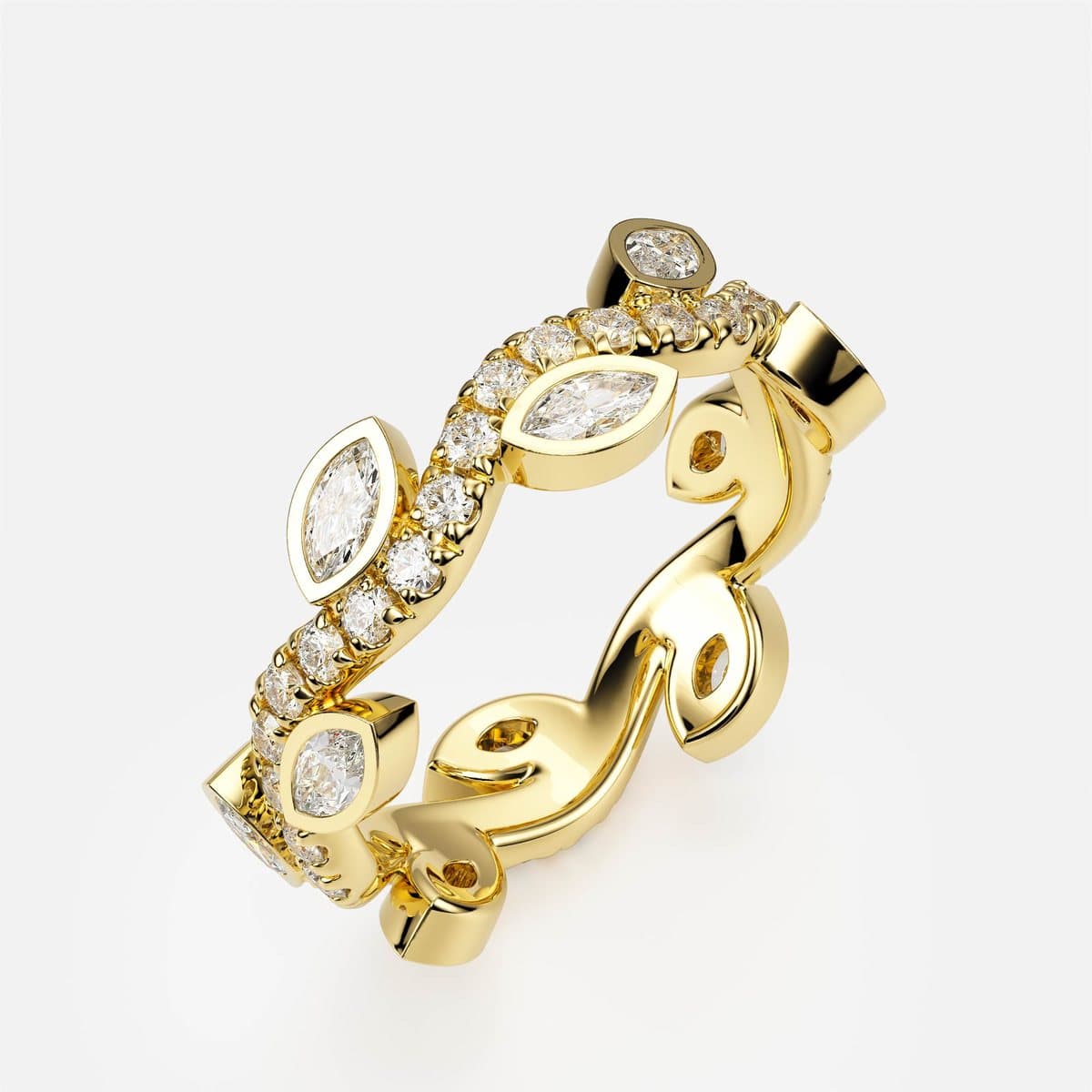
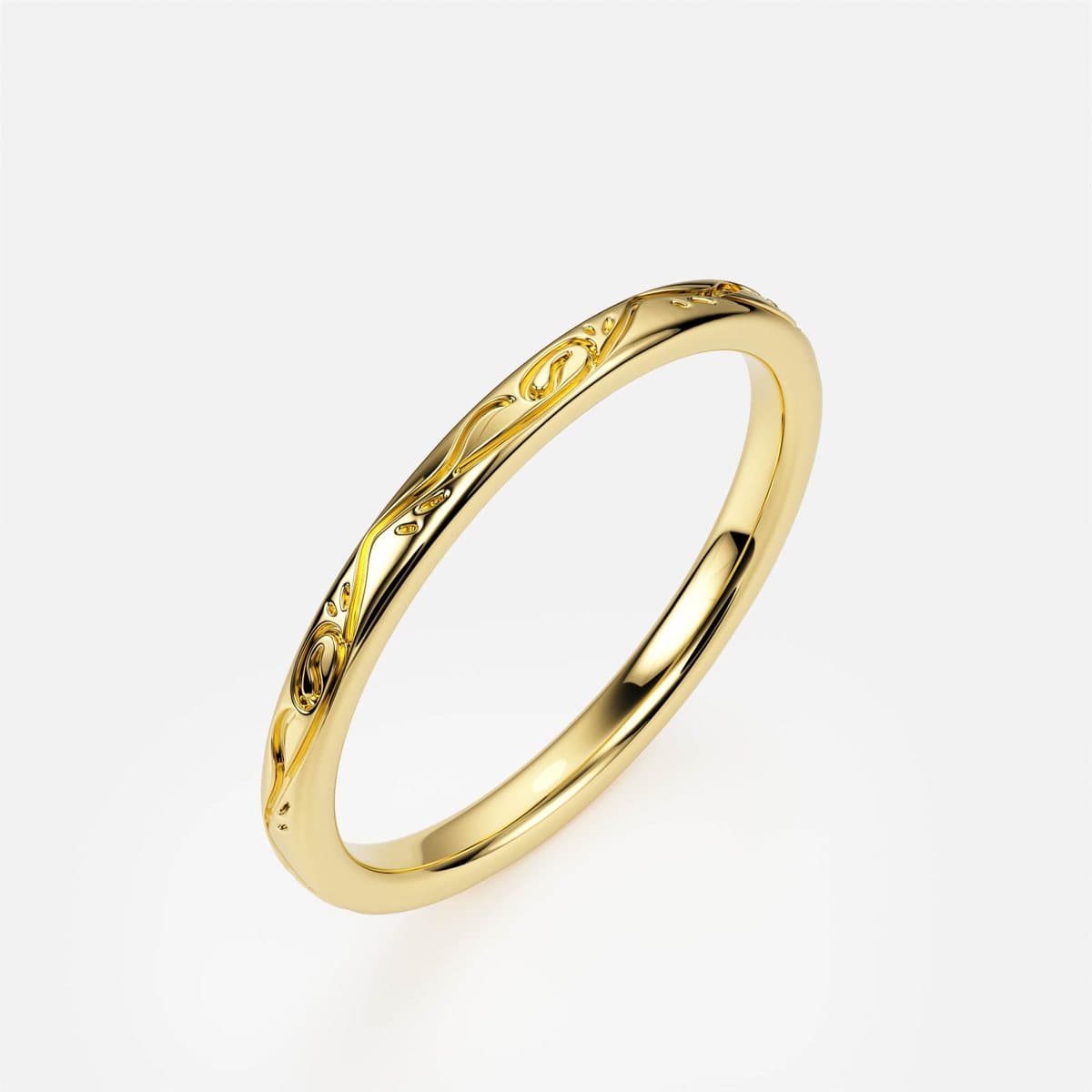
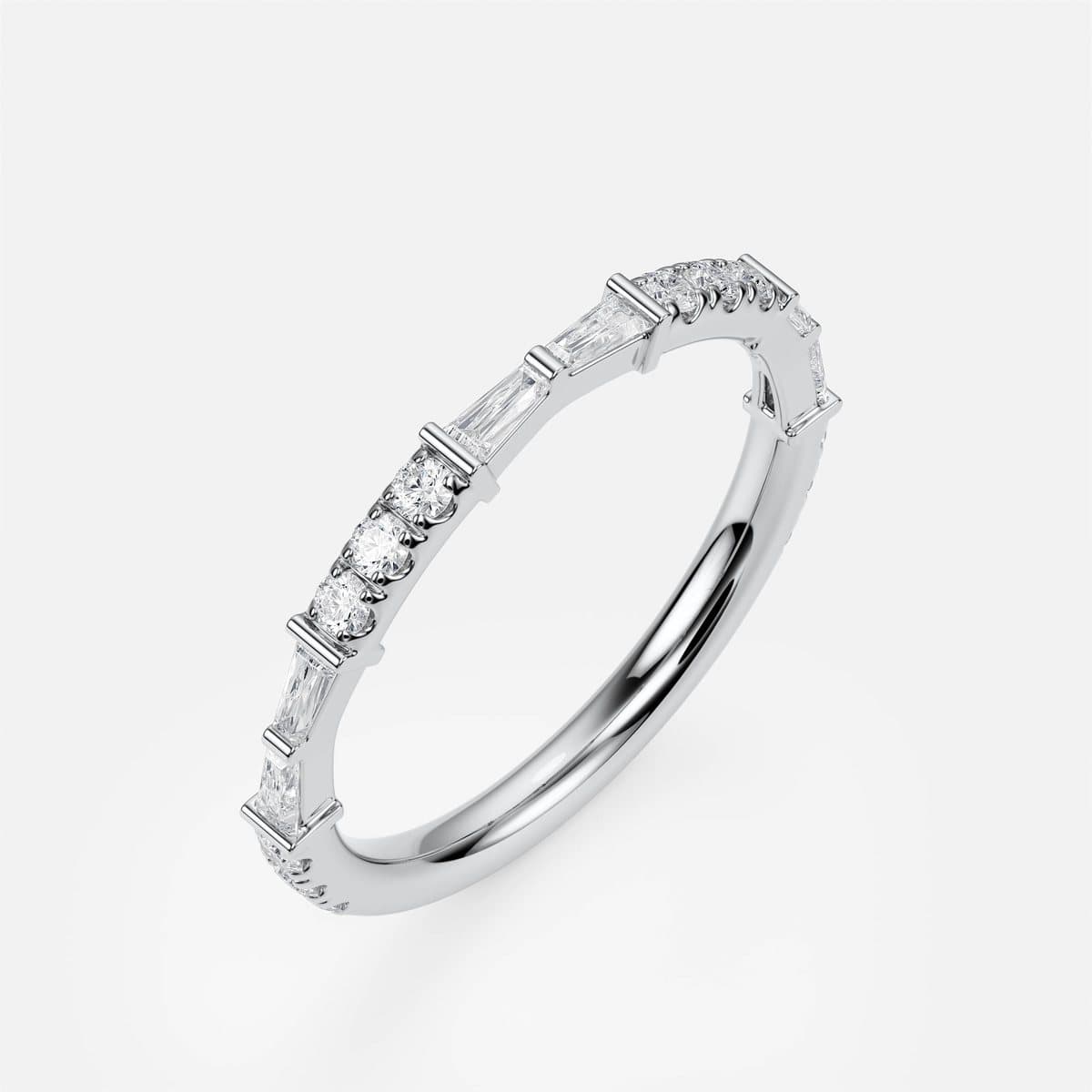
Eighteen bands, from fine plain ropes and hammered textures to full eternities. Bands are deceptively hard to render well: there is no centre stone to carry the image, so the metal finish and the rhythm of the setting have to do all the work — an engraved floral pattern, a herringbone relief or a row of heart-shaped stones has to read clearly at thumbnail size on a phone.
The bracelets
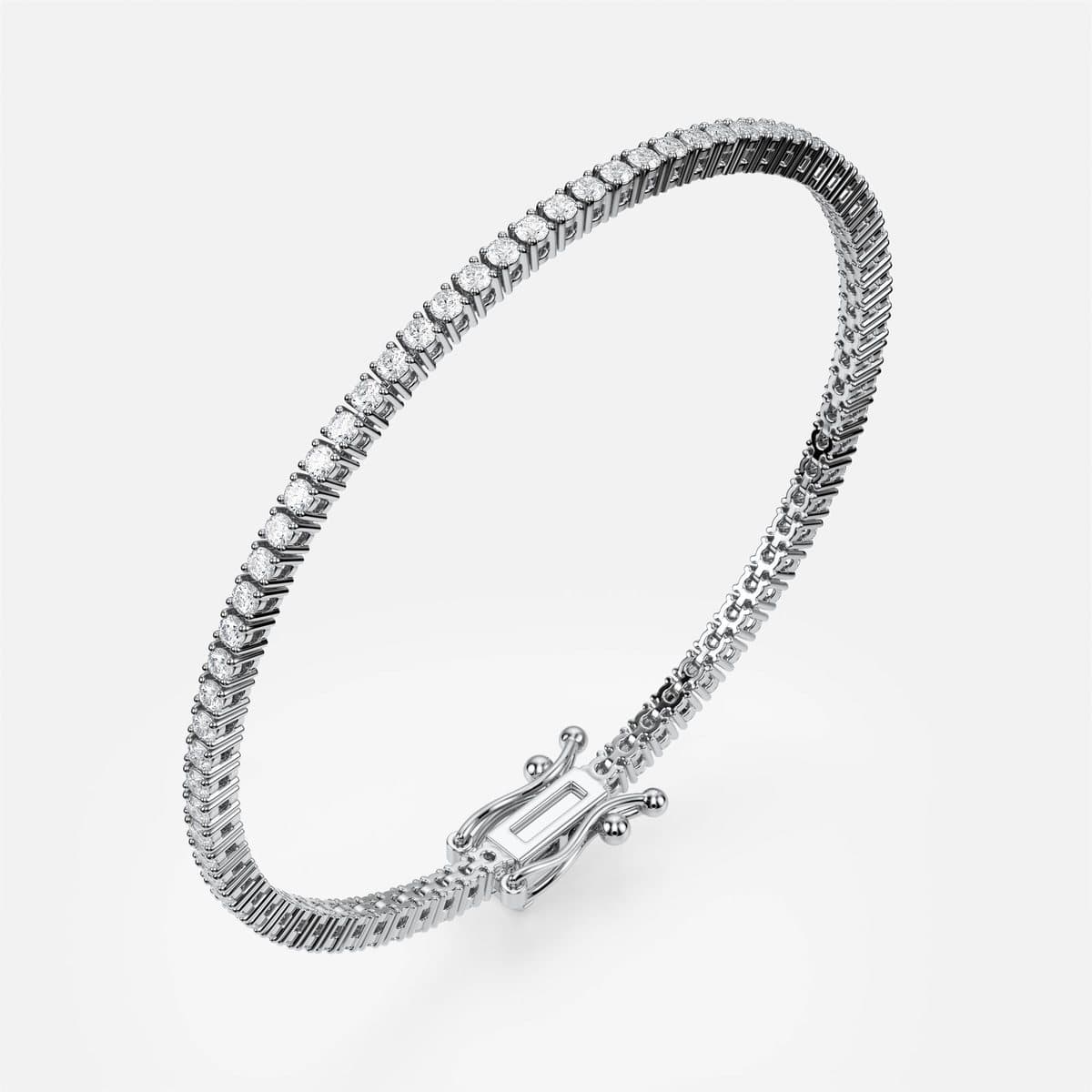
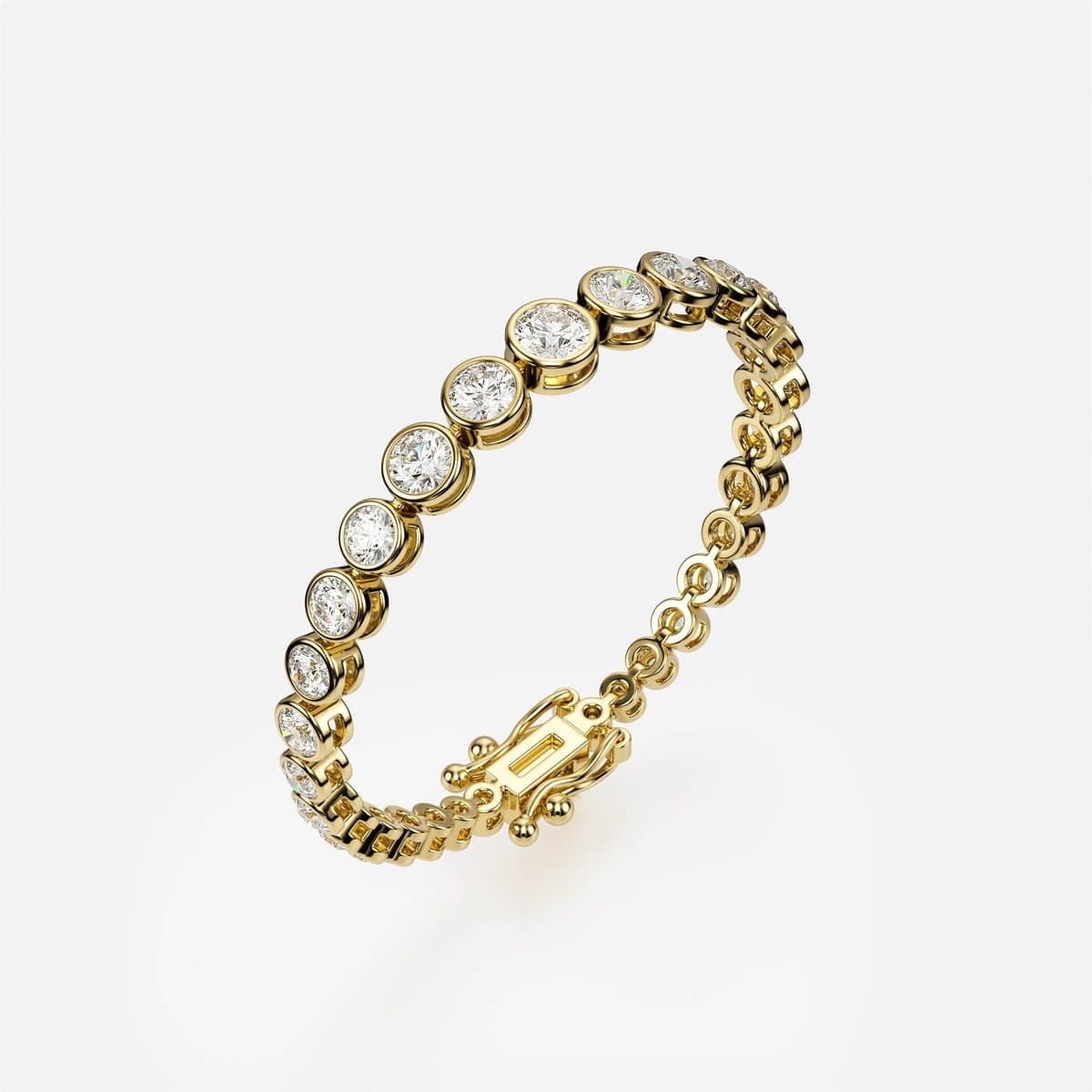
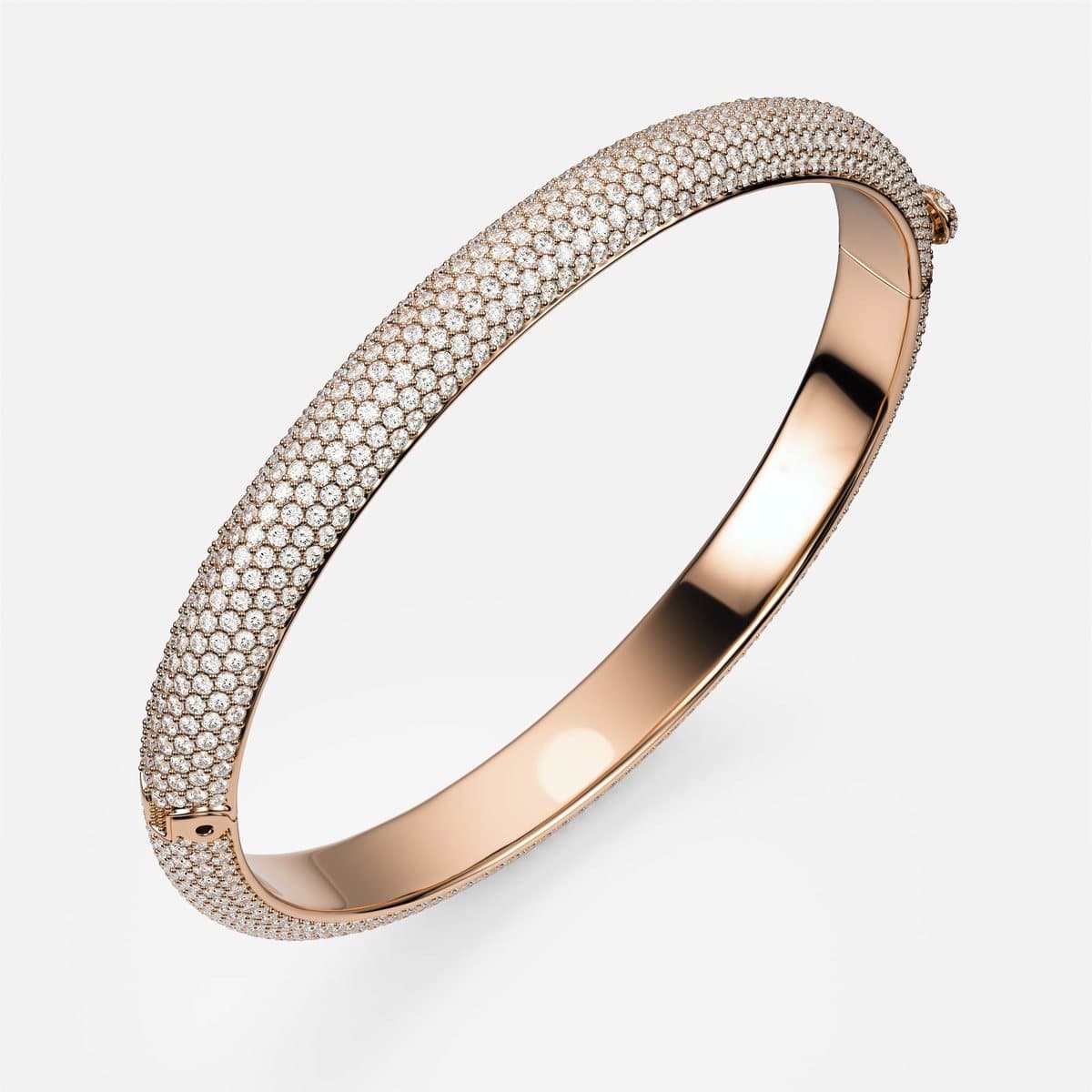
Three bracelets complete the launch: a classic tennis bracelet, a tennis bracelet with every stone in its own bezel, and a hinged pavé bangle. A tennis bracelet is dozens of identical settings in a chain, which is exactly where a render gives itself away — repeated stones that sparkle identically look artificial. The light, the metal and the stones were set up so the chain reads as a piece of jewellery rather than a repeated pattern.
Why the boring parts mattered most
The images are what people see, but the parts that made the project work were dull and systematic:
- One camera per angle for the whole collection. Rings of different heights were framed to the same rules, so a grid of thumbnails reads as one catalogue rather than thirty-three separate shoots.
- Identical cameras across cuts within a design, so switching the stone on the site is a cross-fade, not a jump.
- A strict file-naming scheme — design, cut, metal, angle — so the website maps a client's choice straight to the right image. No spreadsheet in between, nothing to fall out of date.
- Every combination rendered, not just the popular ones. A configurator is judged by its least likely option: the moment one choice shows a placeholder, the buyer stops trusting the other images too.
Good luck, nanea
It was a pleasure to build this collection with the nanea team. They had a clear idea of the brand they wanted — honest pricing on the page, every option shown as it really is, and pieces made to order in Yerevan — and they held the work to it down to the last cut of the last band.
We wish nanea every success with the launch and many happy couples. You can see the full collection, and configure any of these pieces yourself, at nanea.am.
Key takeaways
- A configurator earns trust only if every combination is a real render; one placeholder makes the buyer doubt every other image.
- Each centre cut needs its own model — seats and claws change with the stone shape. Scaling one stone is visible at a glance.
- Keeping the camera identical across cuts lets a site swap stones with the setting standing perfectly still.
- Metal materials have to be tuned against each other once and locked for the whole collection, or three golds stop looking like one brand.
- Four angles each answer a different buyer question: appeal, proportion, height and stone layout.
- A strict naming scheme turns 1,692 files into something a website can serve with no lookup table.
Frequently asked questions
What exactly did 4rend Studio produce for nanea?
The CAD models and the complete photoreal render library for nanea's launch collection: 12 engagement rings, 18 wedding bands and 3 bracelets — 1,692 renders in total, covering every metal, centre cut and camera angle the nanea configurator can show.
Why model every centre cut separately instead of resizing one stone?
Because the setting changes with the stone. A pear needs its point protected, an emerald needs corner claws, a marquise needs both tips covered, and a princess has corners that chip. Each cut gets its own seat and claw layout; only then is the render honest.
How many renders does a configurator like this need?
Multiply metals by centre cuts by angles for each design. For nanea that is three golds, up to ten cuts and four angles per engagement ring — which is how a 33-design collection reaches 1,692 images.
Can the same models be used for production?
Yes. The renders are made from the same CAD models a caster works from, which is why the image and the finished piece agree. The brand owns the files and can manufacture with whichever workshop it chooses.
Can 4rend build a collection like this for another brand?
Yes — from a single design to a full catalogue. Send references, sketches or an existing collection and we will scope the models and the render matrix per piece before any work starts.
Further reading
Have a piece you need in 3D?
Fixed pricing, real-time tracking, manufacturing-ready files — delivered worldwide.
Request a quote